How to Download Multiple Facebook Videos at Once (Free & Fast)
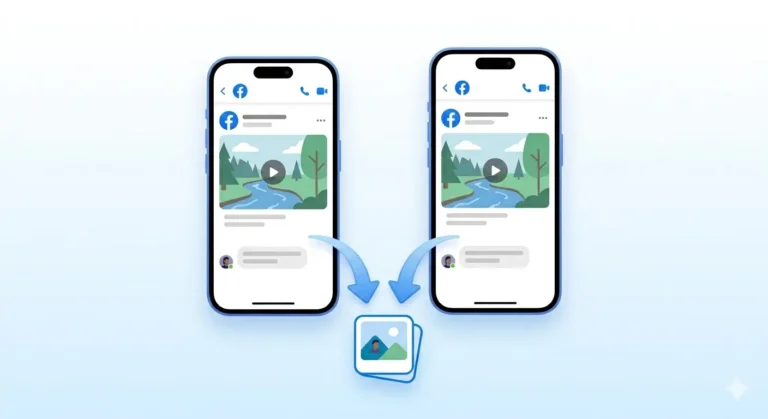
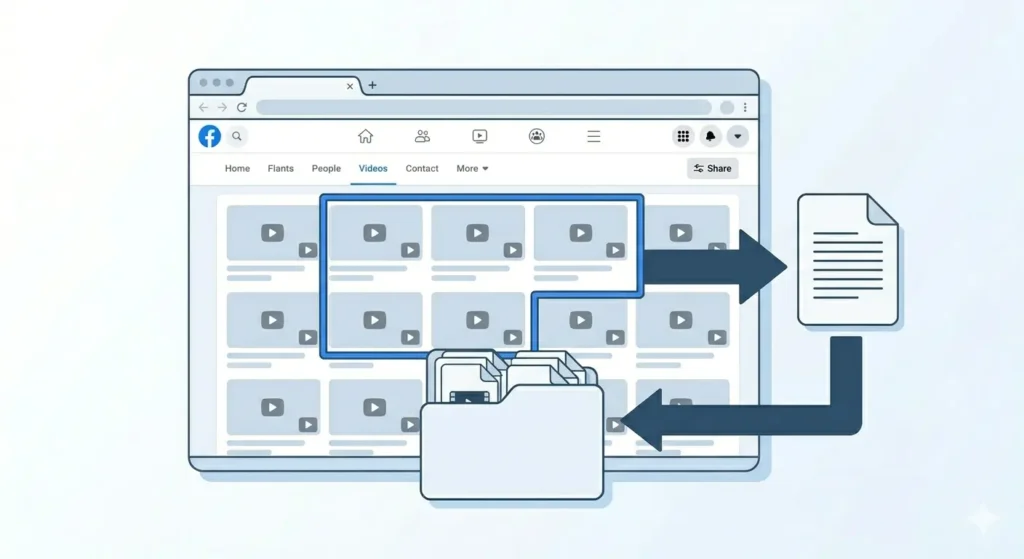
Downloading one Facebook video is easy. But what if you want to download five, ten, or even twenty videos at once?
Maybe you are saving videos from a Facebook page you love before it gets deleted, backing up tutorials from a group, or collecting research for content creation. Whatever the reason, downloading multiple Facebook videos one by one can be incredibly time-consuming.
In this guide, I will show you the most efficient methods to download multiple Facebook videos as quickly as possible on Android, iPhone, and PC completely free.
The Reality About Bulk Facebook Video Downloads
Before we dive in, let’s be honest: Facebook does not provide an official bulk download feature. Furthermore, most “one-click” third-party tools that promise to download 50 videos at once are often unreliable or unsafe.
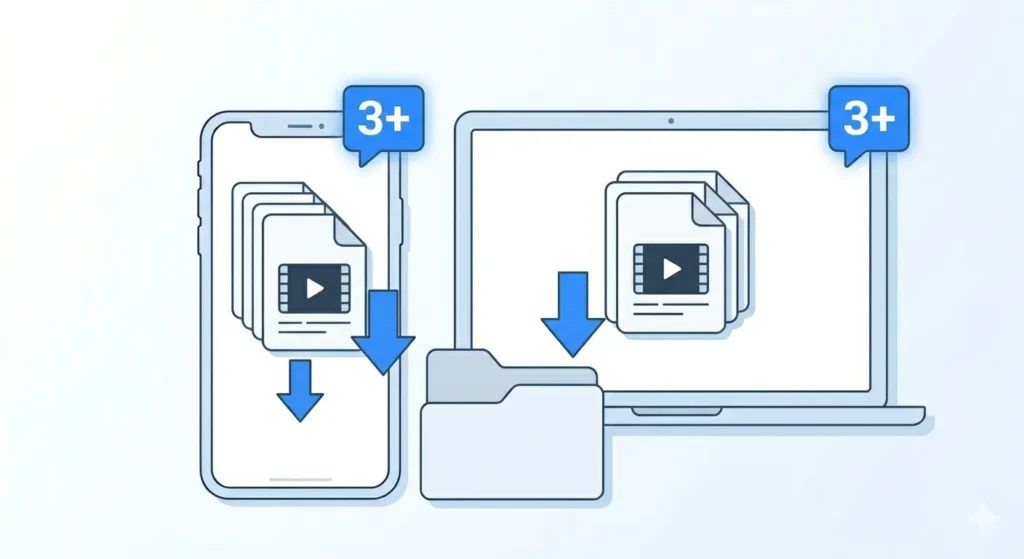
What IS possible is a smart, efficient workflow. By using the right free tools, you can download multiple videos simultaneously, saving you significant time compared to doing each one from scratch.
Method 1: Multiple Browser Tabs (Fastest for PC)
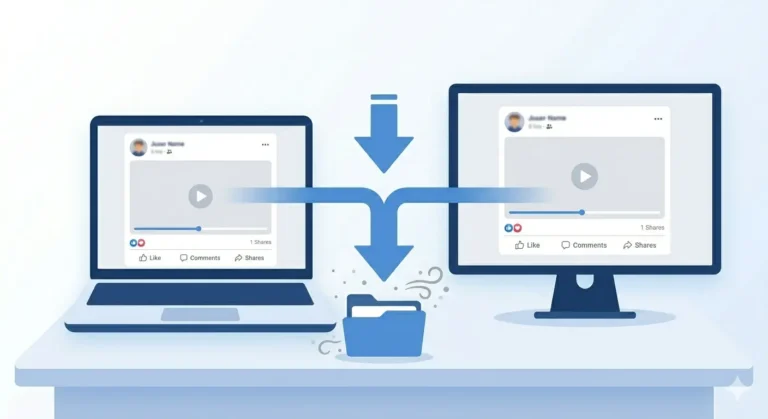
This is the absolute quickest way to handle several videos on a laptop or desktop. It uses your browser’s ability to run multiple processes at once.
Step 1: Collect All Your Video Links
Open each Facebook video you want and copy the link from the three-dots menu. Paste these into a Notepad file first. This prevents you from constantly switching back and forth between Facebook and the downloader.
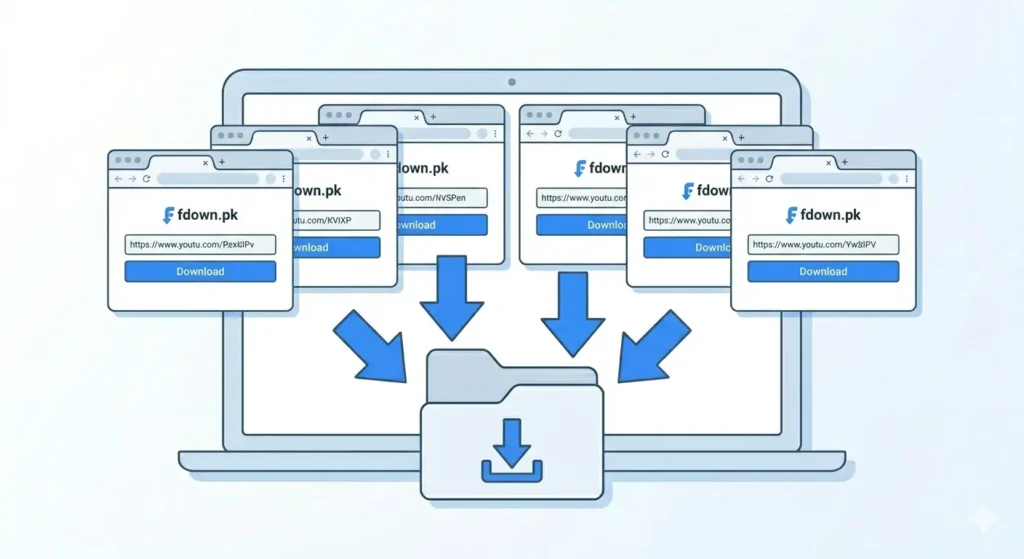
Step 2: Open Multiple fdown.pk Tabs
Go to fdown.pk. Now, open additional tabs for every video you have:
-
Press Ctrl+T (Windows) or Cmd+T (Mac) to open a new tab.
-
Type fdown.pk in each. If you have 5 videos, open 5 tabs.
Step 3: Paste and Process
Go to each tab and paste one link per input box. Hit Download in every tab. They will all process at the same time.
Step 4: Start All Downloads
Go through each tab and click HD Download. Your browser (Chrome, Firefox, or Edge) will manage these simultaneous downloads automatically.
Method 2: Sequential Downloads on Mobile (Android & iPhone)
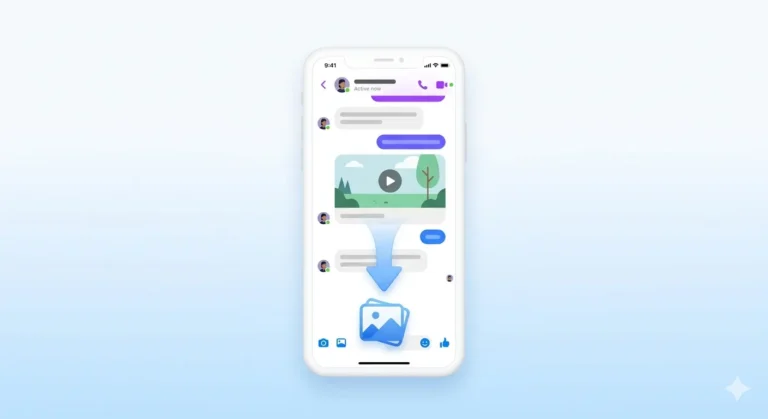
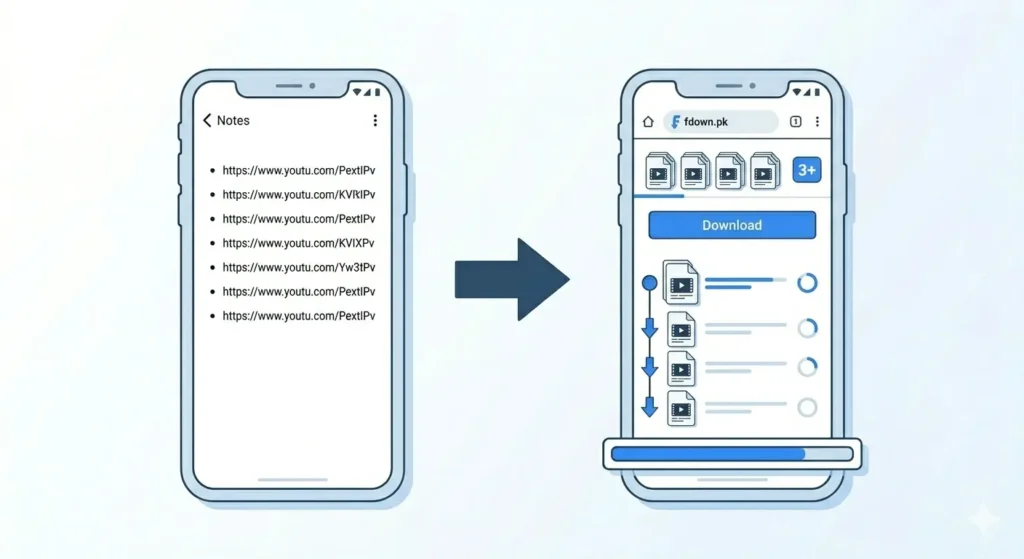
Mobile browsers handle simultaneous downloads differently, but you can still speed things up using this “Notes” workflow:
-
Collect Links: Go through the Facebook app, copy the link for each video, and paste them all into your Notes app first.
-
Back-to-Back Downloads: Open your mobile browser to fdown.pk.
-
The Workflow: Paste the first link and start the download. While it’s running in the background, immediately paste the second link and start that one too.
-
Background Processing: On Android (Chrome) and iPhone (Safari), these will queue up and download in the background while you continue adding more.
Method 3: Using a Download Manager (Heavy Users)
If you regularly download large batches, a dedicated manager is better for organization.
-
JDownloader 2 (PC/Mac): The most powerful free desktop tool. You can paste a list of links, and it will handle retries and simultaneous threading automatically.
-
Video DownloadHelper (Extension): Great for Firefox and Chrome users to detect video URLs on a page automatically.
How to Organize Your Bulk Downloads
When downloading dozens of files, they often come with random alphanumeric names. Use these tips to stay organized:
| Platform | Best Practice |
| PC/Windows | Change default download folder to a specific “FB Downloads” folder; rename files immediately. |
| Android | Use the “My Files” app to move videos into a custom folder immediately after the batch finishes. |
| iPhone | Save videos to the “Files” app rather than “Photos” for better folder-based organization. |
How Long Does It Take?
Estimates based on a standard high-speed Wi-Fi connection:
| Number of Videos | Approx. Time (HD Quality) |
| 5 Videos | 3 to 8 minutes |
| 10 Videos | 8 to 20 minutes |
| 20 Videos | 20 to 45 minutes |
| 50 Videos | 1 to 2 hours |
Common Problems & Fixes
-
Browser Crashes: If your PC has low RAM, don’t open 20 tabs at once. Stick to batches of 5.
-
Failing Downloads: Usually caused by a momentary Wi-Fi drop. Simply refresh the tab on fdown.pk and click the download button again.
-
Running Out of Space: HD videos are large. Check your phone’s Settings > Storage before starting a batch of 20+ videos.
Frequently Asked Questions
Can I download 100 Facebook videos at once?
Technically yes, but it’s best to work in batches of 10. Attempting 100 at once may throttle your internet connection or overwhelm your browser.
Is there a limit on fdown.pk?
No. fdown.pk is completely free and has no daily or quantity limits.
Will downloading multiple videos slow my internet?
Yes. It uses significant bandwidth. If others in your house are gaming or on video calls, it’s better to download them one by one or wait until off-peak hours.
Final Thoughts
You don’t need expensive software to bulk-download from Facebook. By simply preparing your links in a text file and using the multiple tabs method on fdown.pk, you can finish in minutes what used to take hours.
Head over to fdown.pk and start your batch download today fast, free, and no installation required!