Facebook Video Downloader HD vs SD Which Quality Should You Choose?
Every time you try to download a Facebook video using an online tool, you see the same two options HD and SD. Most people just tap HD without thinking about it. But is that always the right choice?
The honest answer is it depends. HD is not always better for every situation, and SD is not always the “worse” option either. In this guide, I will break down exactly what HD and SD mean, the real differences between them, and how to decide which one is right for you every single time.
What Does HD Mean in Facebook Videos?
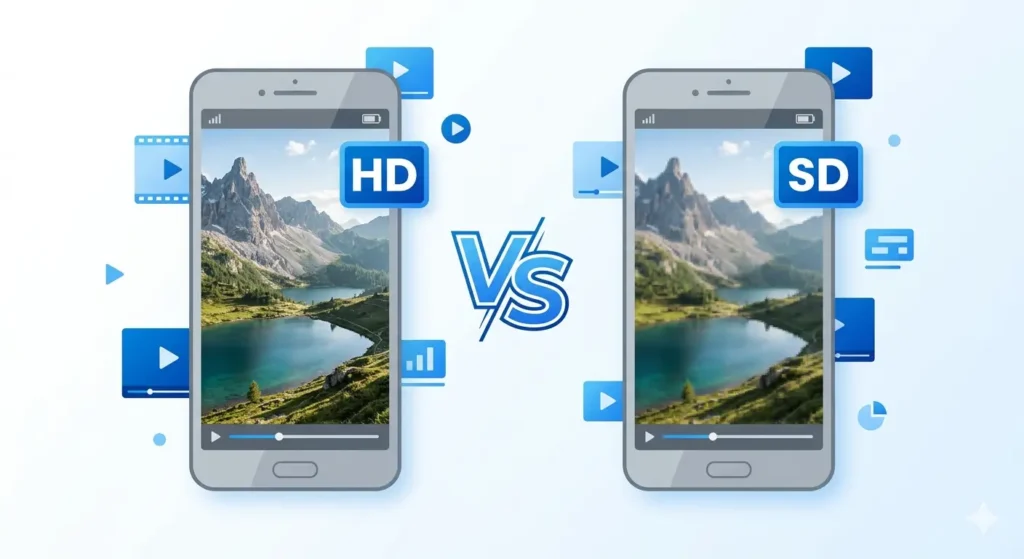
HD stands for High Definition. When you download a Facebook video in HD, you are getting the video in the highest quality that was originally uploaded by the creator.
On Facebook, HD typically means:
-
Resolution: 720p or 1080p.
-
Visuals: Sharper, clearer, and better color accuracy.
-
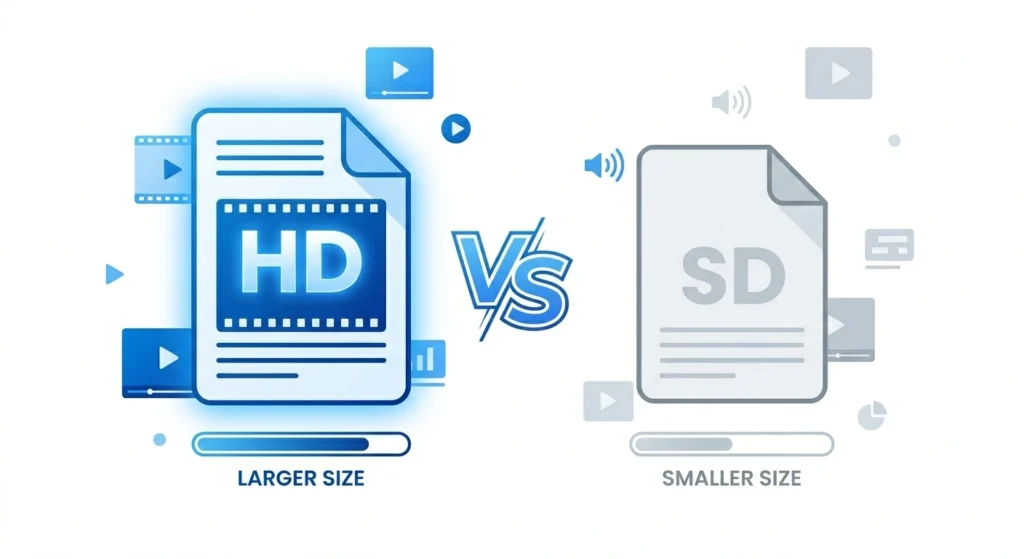
File Size: Larger usually between 50MB to 200MB depending on length.
What Does SD Mean in Facebook Videos?
SD stands for Standard Definition. This is a compressed, lower-resolution version of the same video.
On Facebook, SD typically means:
-
Resolution: 360p or 480p.
-
Visuals: Softer or slightly less sharp.
-
File Size: Much smaller usually between 5MB to 40MB.
-
Speed: Loads and downloads much faster.
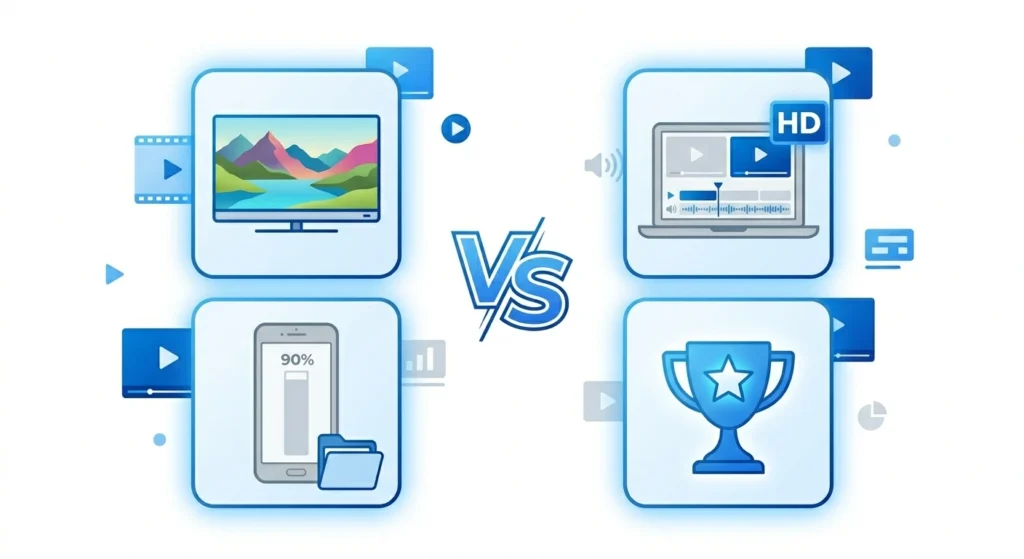
HD vs SD Side-by-Side Comparison
When Should You Choose HD?
-
Big Screen Viewing: If you plan to watch on a laptop, smart TV, or monitor. SD looks blurry on large screens.
-
Long-Term Storage: If you are saving a precious memory or a high-value tutorial to keep forever.
-
Content Creation: If you are an editor downloading clips to repurpose. HD provides better “raw” material.
-
Plenty of Storage: If your device has gigabytes of free space, there’s no reason not to take the better quality.
When Should You Choose SD?
-
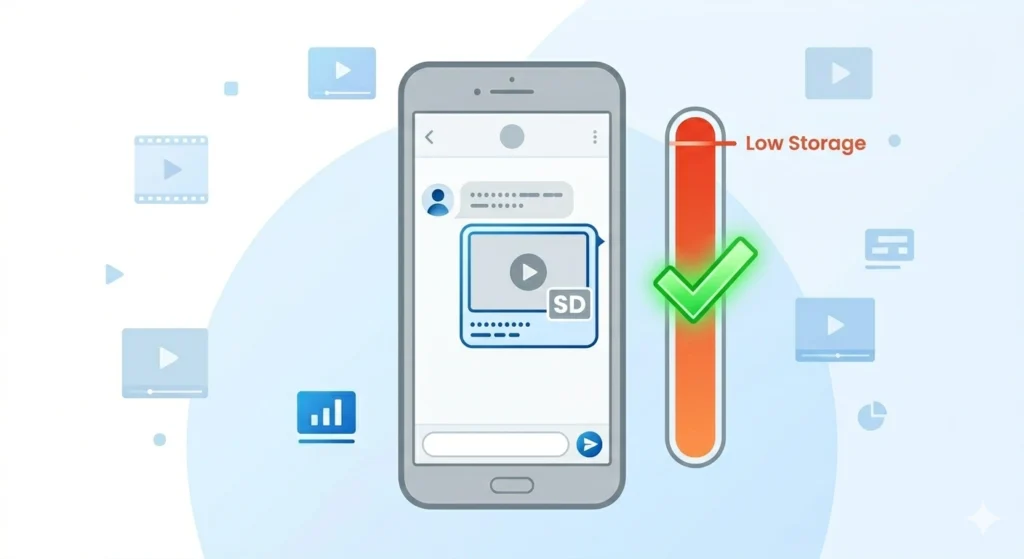
Sharing on WhatsApp: WhatsApp compresses videos anyway. An HD download will lose its quality during the send, so SD saves you data with the same end result.
-
Low Storage: If your phone is screaming “Storage Full,” SD is your best friend.
-
Slow Internet: SD files are much less likely to “fail” or “time out” on weak Wi-Fi or mobile data.
-
Small Screens: On a 6-inch phone screen, the difference between HD and SD is often hard to notice for casual watching.
Does HD Always Look Better?
Not always. If the original video was recorded on an old phone or uploaded in low quality, downloading it in “HD” won’t magically fix it. You are simply downloading the best version of a bad original.
How to Download Using fdown.pk
The process is incredibly simple:
-
Copy the Link: Tap the three dots (…) on the Facebook video and select “Copy Link.”
-
Visit the Site: Go to fdown.pk in your browser.
-
Paste & Process: Paste the link and hit Download.
-
Pick Your Quality: Select HD or SD based on your current needs.
Frequently Asked Questions
Why is the HD option sometimes missing?
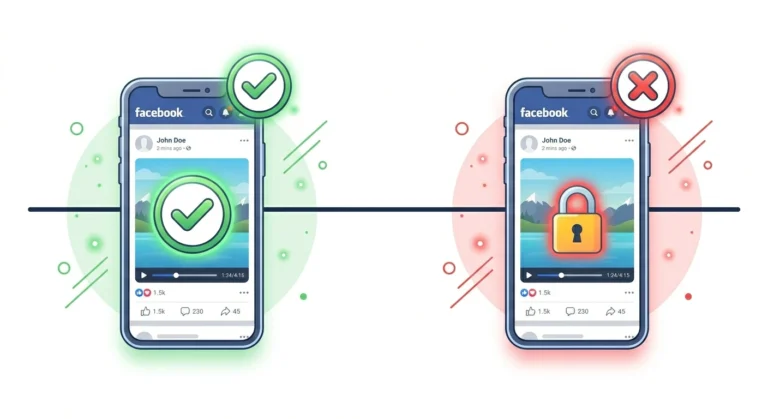
This happens if the original video was uploaded in low quality. Facebook only provides an HD option if the source material supports it.
How much bigger is the HD file?
Generally, HD files are 4 to 6 times larger than SD files. A 2-minute clip might be 8MB in SD but 40MB in HD.
Can I download both?
Yes! On fdown.pk, both links are available. You can download SD for a quick WhatsApp share and HD to keep in your personal archive.
Final Thoughts
The choice comes down to your end goal. If you’re keeping it or editing it, go HD. If you’re sharing it quickly or saving space, SD works perfectly.
Ready to download? Head over to fdown.pk, paste your link, and choose your quality with confidence!