5 Reasons Why Facebook Videos Won’t Download and How to Fix Them
You found the perfect video on Facebook. You copied the link, pasted it on a downloader, hit the download button and nothing happened. Or maybe it started downloading and then stopped. Or the file downloaded but won’t open.
This is one of the most frustrating experiences for anyone trying to save a Facebook video. And it happens more often than you think.
The good news is that in most cases the problem is simple and fixable in under two minutes. You just need to know what is causing it. In this guide, I will walk you through the 5 most common reasons why Facebook videos won’t download and give you the exact fix for each one whether you are on Android, iPhone, or a computer.
Reason 1: You Copied the Wrong Link
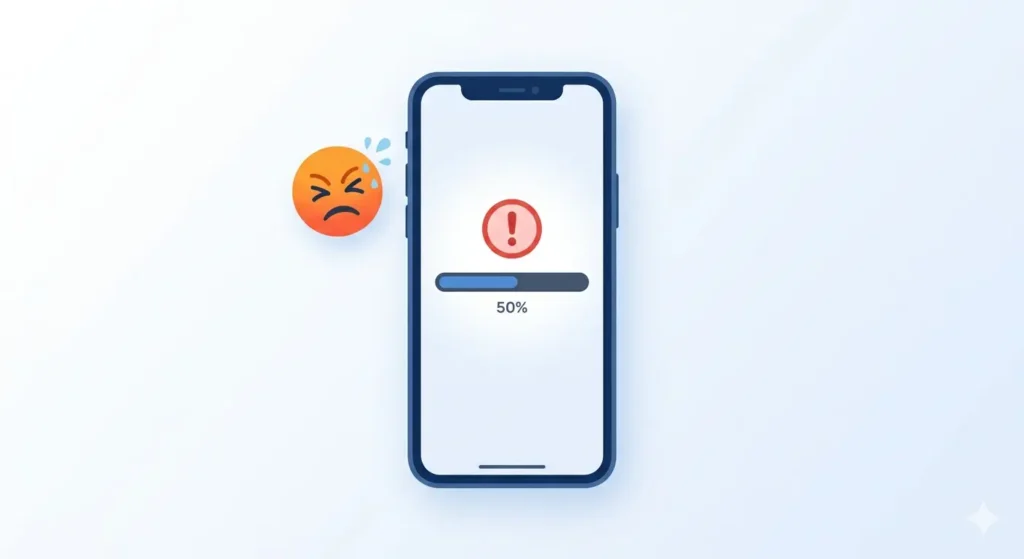
This is by far the most common reason why Facebook video downloads fail. It sounds simple, but it trips up a lot of people. There are two different ways to copy a link from a Facebook video, and only one of them actually works consistently with video downloader tools.
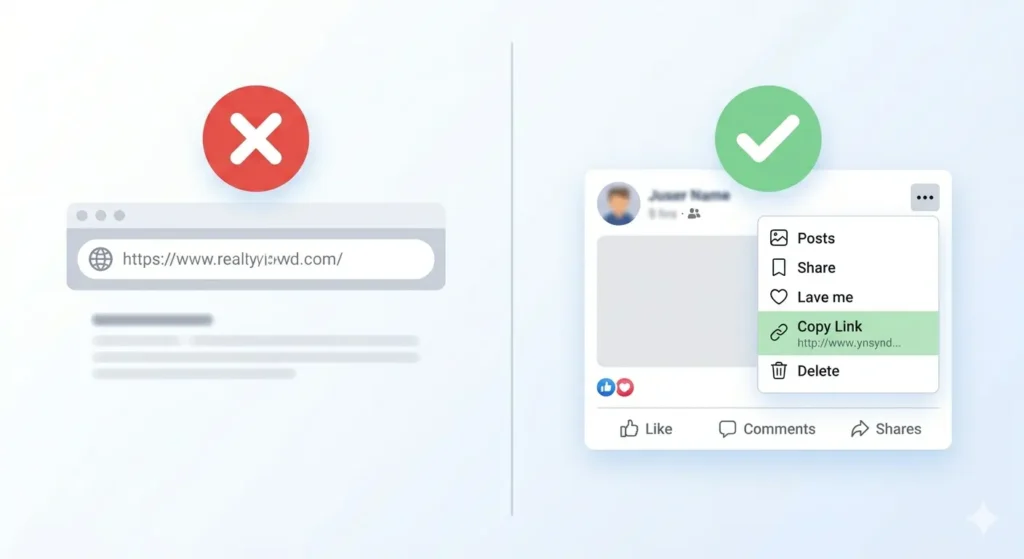
The Wrong Way: Copying from the Browser Address Bar
Many people open a Facebook video in their browser and copy the URL directly from the address bar at the top. This URL often looks something like this: https://www.facebook.com/watch/?v=123456789
This type of URL sometimes works, but very often it does not especially on mobile devices and for videos inside groups or pages.
The Right Way Copying from the Three Dots Menu
The correct way to copy a Facebook video link is:
-
Open the video post on Facebook.
-
Tap or click the three dots (…) icon on the top right of the post.
-
Select Copy Link from the menu.
-
Paste this link on fdown.pk.
This gives you a direct link to the specific post which video downloader tools can process correctly.
The Fix: Go back to Facebook, copy the link using the three dots menu, and try again.
Reason 2: Your Internet Connection is Unstable
Video downloading requires a stable connection throughout the entire process not just at the start. If your connection drops or fluctuates even for a few seconds during the download, the file can fail to complete or save incorrectly.
Signs that your internet is causing the problem:
-
The download starts but stops midway.
-
The progress bar gets stuck at a certain percentage.
-
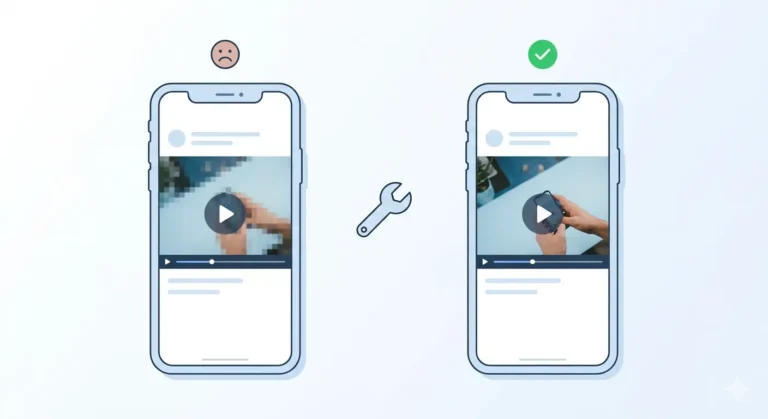
The file downloads but is corrupted and won’t play.
-
The downloader tool keeps loading without results.
How to Fix Internet Connection Issues
-
Switch from mobile data to WiFi: WiFi is almost always more stable for downloading files.
-
Move closer to your router if you are on WiFi.
-
Turn airplane mode on and off to reset your connection.
-
Restart your router if the connection seems slow for everyone.
The Fix: Switch to a stable WiFi connection and try the download again.
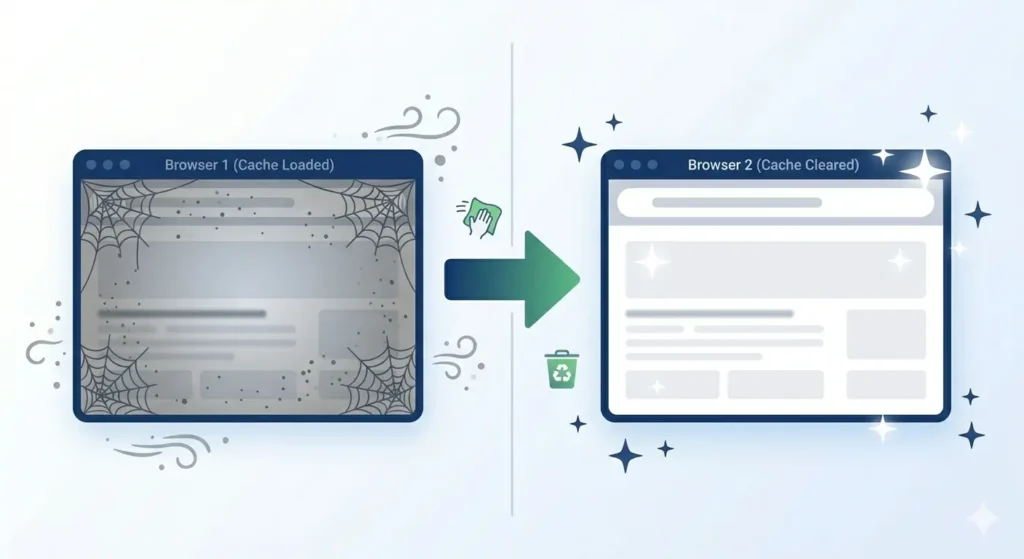
Reason 3: Browser or Cache Issues
Your browser stores temporary data called “cache” to help websites load faster. Sometimes this data becomes corrupted and causes problems with tools like video downloaders. If fdown.pk was working fine before but suddenly stopped, this is a likely culprit.
How to Fix Browser Issues
-
Clear your browser cache: * On Chrome: Settings → Privacy and Security → Clear Browsing Data.
-
On Safari: Settings → Safari → Clear History and Website Data.
-
-
Disable extensions temporarily: Turn off any ad blockers or download manager extensions.
-
Try a different browser: If you are using Chrome, try Firefox or Safari.
The Fix: Clear cache, disable extensions, or switch to a different browser.
Reason 4 The Video Has Privacy Restrictions
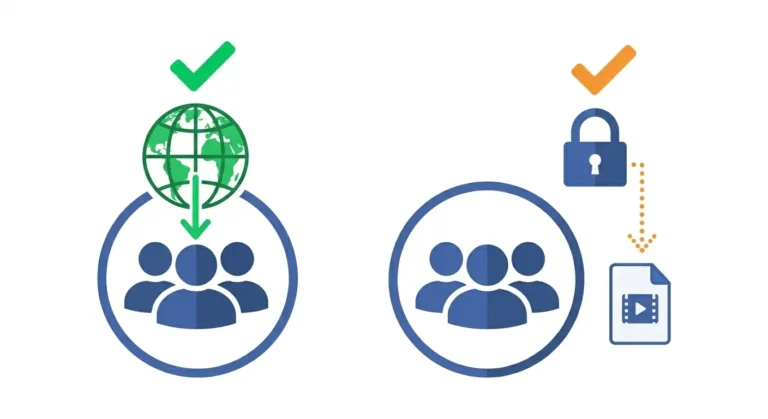
Not all Facebook videos can be downloaded. If a video is set to a restricted privacy level, the downloader tool may not be able to “see” the video data even if you can see it on your personal feed.
Common privacy-related failures:
-
Videos set to “Friends of Friends”.
-
Videos inside Private Facebook Groups.
-
Videos with age restrictions or copyright flags.
How to Fix Privacy Related Issues
-
Make sure you are logged into Facebook in your browser before copying the link.
-
For group videos, try opening the video in a separate tab on a desktop and copying that URL.
-
If the video has copyright music, try downloading the SD version it sometimes bypasses audio restrictions that HD fails on.
The Fix: Log into Facebook first, copy the link while logged in, and try SD if HD fails.
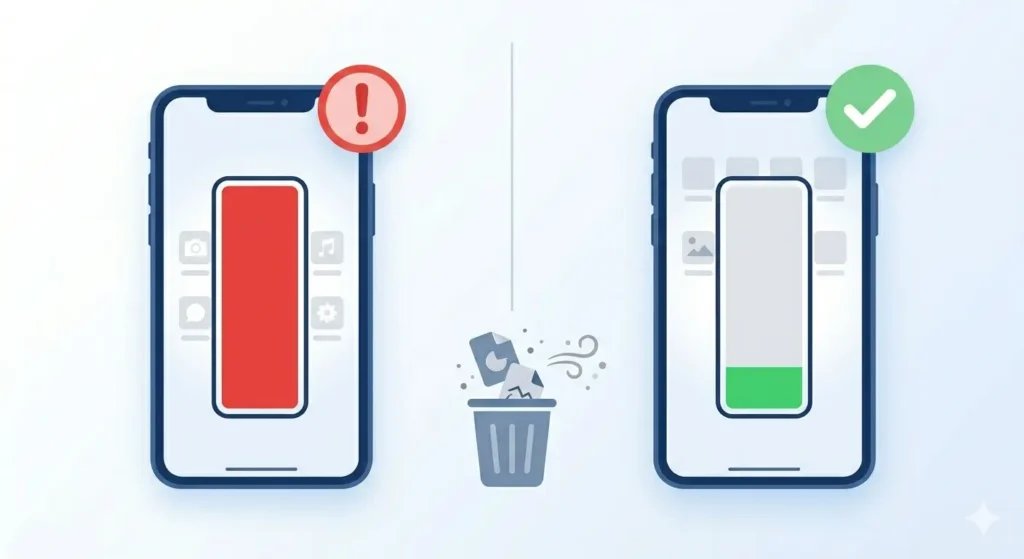
Reason 5: Your Phone Storage is Full
When your phone runs out of storage space, downloads either fail completely or appear to succeed but the file never actually saves to your device.
How to Fix Storage Issues
-
Check your available storage: Check your settings (Android: Storage / iPhone: General > iPhone Storage).
-
Free up space: Delete unused apps, clear WhatsApp media, or move photos to Google Photos/iCloud.
-
The 1GB Rule: Try to keep at least 1GB of free storage available for smooth downloads.
The Fix: Free up storage space on your device and try the download again.
Quick Troubleshooting Checklist
Before giving up, run through this quick checklist:
Frequently Asked Questions
Why does my Facebook video download as an audio file?
This usually happens with videos containing copyrighted music. Facebook flags these, and sometimes only the audio-free version is available. Try downloading the SD version, which often includes the original audio.
Why does the video download but won’t play?
This usually means the download was incomplete due to an unstable connection. Delete the corrupted file and try again on a stable WiFi connection.
The video downloaded but it is not in my gallery where is it?
-
Android: Check your “Files” app under the Downloads folder.
-
iPhone: Check the “Files” app under Downloads or check Safari settings to see where downloads are saved.
Final Thoughts
A failed Facebook video download is almost never a permanent problem. Start with the most common cause the wrong link and work your way down the list.
Next time a download fails, do not panic. Just come back to this guide, find your reason, apply the fix, and you will be sorted in minutes.
Head over to fdown.pk and give it another try it is free, fast, and works on every device.