How to Download Facebook Reels to Your Phone Gallery (Step-by-Step)
Facebook Reels are everywhere right now. Short, entertaining, informative, and sometimes just too good to scroll past. Whether it is a cooking hack, a funny clip, a motivational video, or a DIY tutorial you want to save it and watch it again later.
But Facebook makes it surprisingly difficult to do that. There is no direct “Save to Gallery” button for Reels. You can bookmark them inside Facebook, but the moment you lose internet access, they are gone. And if the creator deletes the Reel, it disappears forever.
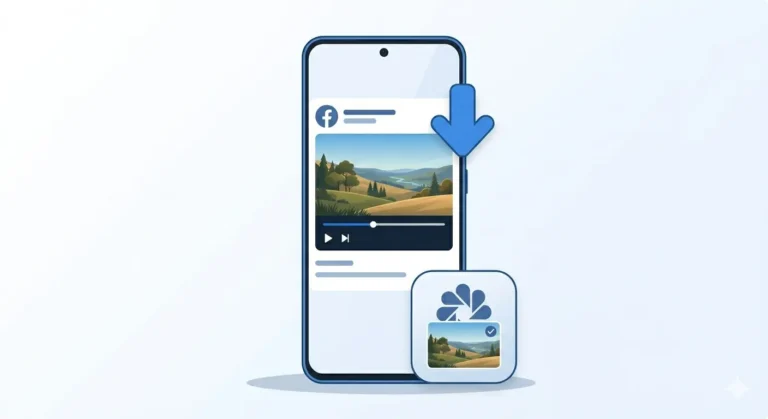
The solution is simple download the Reel directly to your phone gallery. In this guide, I will show you exactly how to do that on both Android and iPhone, completely free, without installing any app.
Why People Want to Download Facebook Reels
Before we get into the steps, let’s quickly understand why saving Reels matters:
-
Watch offline No internet needed once saved.
-
Share on WhatsApp Send to friends and family easily.
-
Keep for later Tutorials and guides you don’t want to lose.
-
Repost on other platform For content creators who reshare content.
-
Preserve memories Personal Reels from friends or family.
Whatever your reason, downloading a Facebook Reel takes less than a minute with the right method.
What You Need
No special requirements just these basics:
-
Android or iPhone (any model)
-
Chrome or Safari browser
-
Internet connection
-
The Facebook Reel link
That is all. No app installation, no account creation, no payment required.
How to Download Facebook Reels on Android
Follow these simple steps on your Android phone:
Step 1: Open the Facebook Reel
Open your Facebook app and find the Reel you want to download. Tap on it to open it fully in Reel view.
Step 2: Copy the Reel Link
-
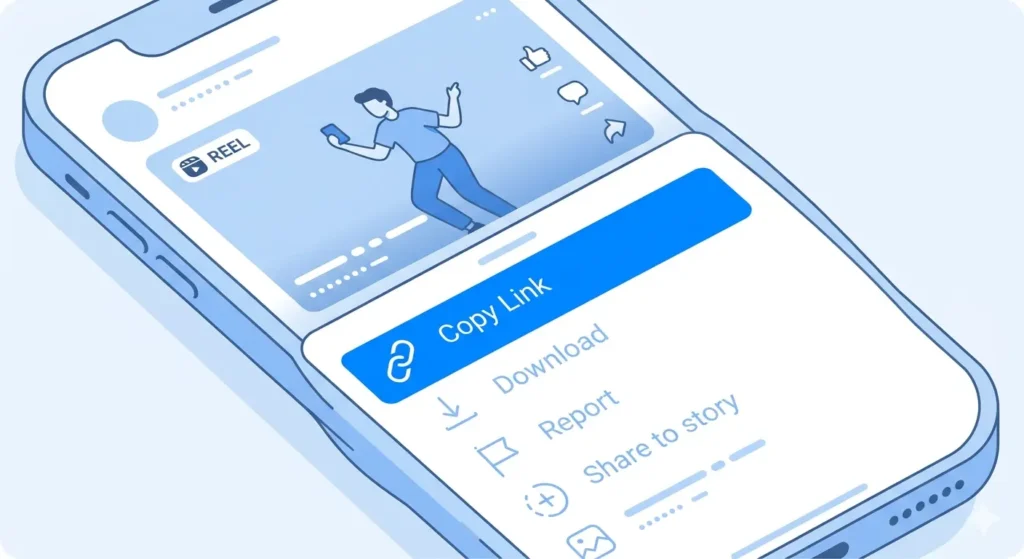
Tap the three dots (…) icon at the top right or bottom right of the Reel.
-
A menu will appear from the bottom.
-
Tap “Copy Link”.
-
The Reel link is now copied to your clipboard.
Step 3: Open Chrome and Go to fdown.pk
Open Chrome or any browser on your Android phone and go to: fdown.pk
You will see a clean simple page with one input box in the center. This is where you paste the Reel link.
Step 4: Paste the Link and Download
-
Tap the input box on fdown.pk.
-
Long press and tap Paste.
-
Tap the Download button.
-
Wait a few seconds for the site to process the Reel.
-
HD and SD download options will appear.
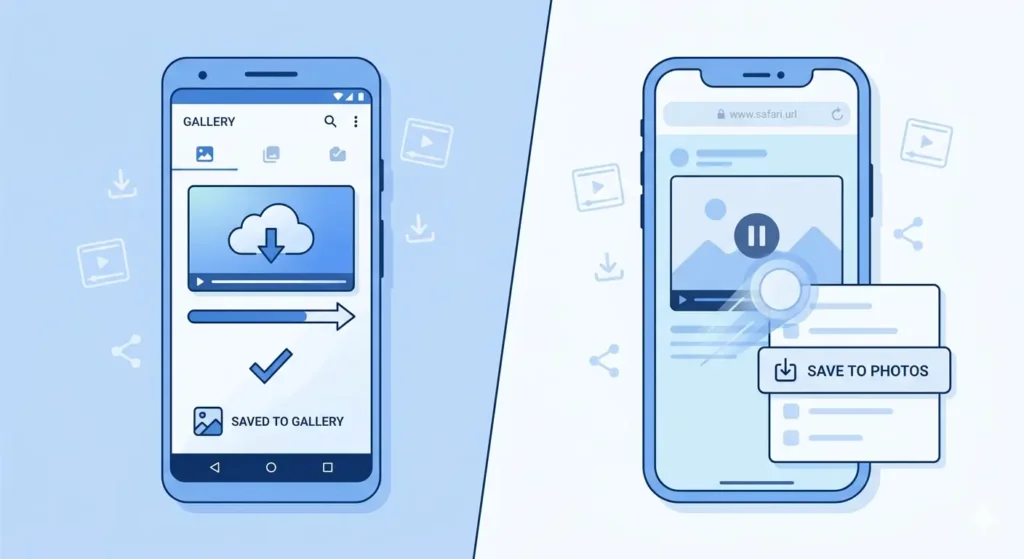
Tap HD Download for best quality. The Reel will download directly to your phone’s Downloads folder and will also appear in your Gallery.
How to Download Facebook Reels on iPhone
The process on iPhone is slightly different in the last step. Follow this:
Step 1: Copy the Reel Link on Facebook App
Same as Android open the Reel, tap the three dots menu, and tap Copy Link.
Step 2: Open Safari and Go to fdown.pk
On iPhone, Safari works best for saving videos to your camera roll. Open Safari and go to fdown.pk.
Step 3: Paste and Process
Tap the input box, paste the link, and tap Download. Wait for the HD and SD options to appear.
Step 4: Save the Reel to iPhone Camera Roll
-
Tap HD Download the Reel will open in a new Safari tab.
-
Long press on the video while it is playing.
-
Tap “Save to Photos” from the menu that appears.
-
The Reel is now saved in your iPhone Camera Roll.
HD or SD Which Quality is Better?
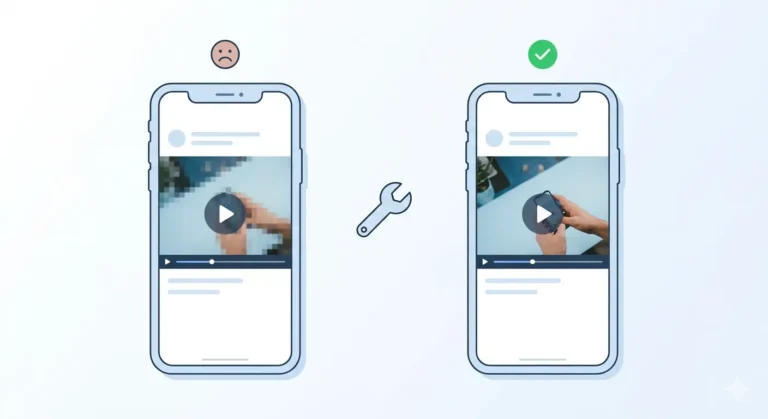
Facebook Reels are short videos, so the file size difference between HD and SD is not huge.
Common Problems & Fixes
Sometimes things do not go perfectly. Here are the most common issues:
-
“Reel Not Found” Error: This means the link was not copied correctly. Go back to Facebook and ensure you copy the full link.
-
Reel Downloads Without Sound: Some Reels use copyrighted music. Try downloading the SD version it usually keeps the audio intact.
-
Download Button Does Nothing (iPhone): Clear your Safari cache in Settings and ensure Safari has “Photos” permissions enabled.

Frequently Asked Questions
Can I download Facebook Reels for free?
Yes, completely free. fdown.pk charges nothing for downloading Reels. No subscription, no hidden fees.
Do I need an app?
No. This method works directly in your phone browser. No app installation is needed.
Where are the Reels saved?
-
Android: In your “Downloads” folder and Gallery app.
-
iPhone: In your “Photos” app under Recents.
Final Thoughts
Downloading Facebook Reels to your phone gallery is genuinely easy once you know the right method. Whether you are on Android or iPhone, the whole process takes under a minute.
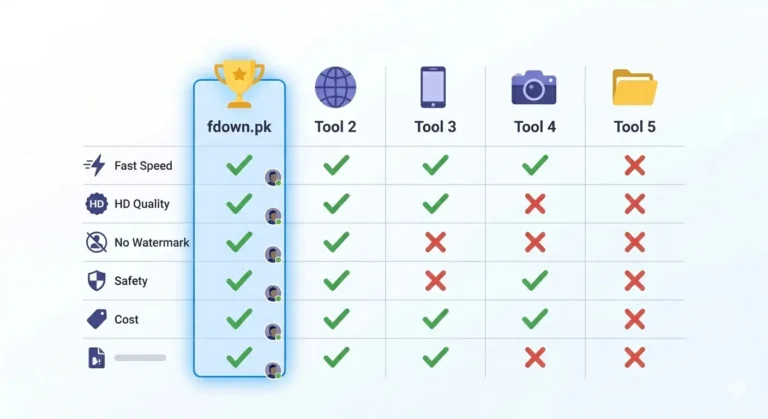
Next time you come across a Reel you don’t want to lose, just copy the link and head to fdown.pk. Simple as that!