How to Download Facebook Videos on Android (Step-by-Step Guide)
Have you ever come across a funny video or an important tutorial on Facebook and wished you could save it to watch later even without internet? You’re not alone. Millions of Android users face this exact problem every day.
Facebook does not give you a built-in option to download videos directly to your phone gallery. That’s frustrating, especially when you want to share a video on WhatsApp or keep it saved for offline viewing.
The good news? There’s a simple, free way to do it and it takes less than a minute. No app installation required, no sign-up, nothing complicated.
In this guide, I’ll walk you through exactly how to download any Facebook video on your Android phone step by step.
What You Need Before You Start
Nothing special, just make sure you have these three things:
-
An Android phone: Any brand works (Samsung, Oppo, Vivo, Xiaomi, etc.)
-
A working internet connection
-
The Facebook video link you want to download
That’s it. No extra app, no account needed on any downloader website.
Step-by-Step: How to Download Facebook Videos on Android
Let me break this down into simple steps that anyone can follow.
Step 1: Find the Video on Facebook
Open your Facebook app and find the video you want to download. It can be a regular video post, a Reel, or even a video someone shared on their timeline. Once you find the video, tap on it to open it fully.
Step 2: Copy the Video Link
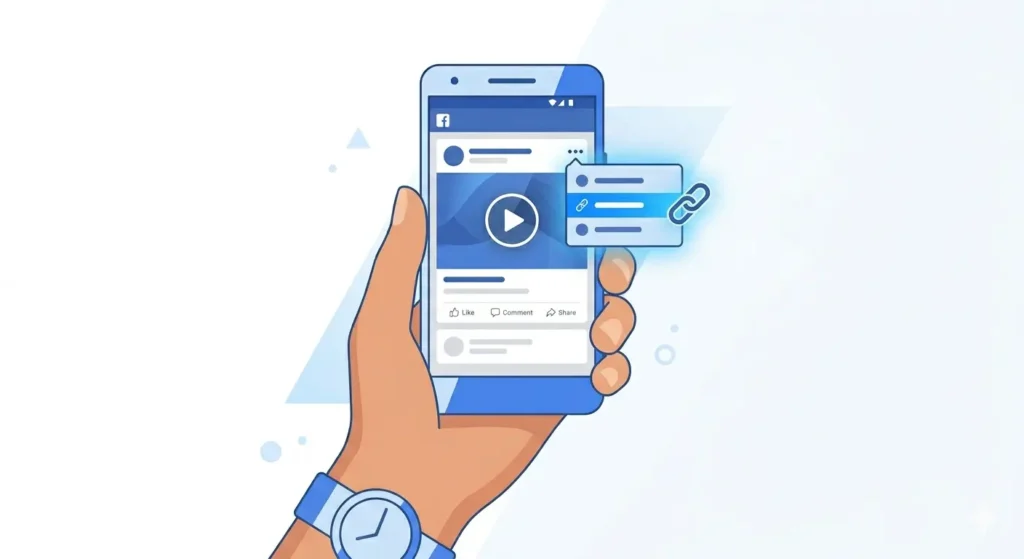
This is the most important step. Here’s how to copy the link:
-
Tap the three dots (…) icon on the top right of the video post.
-
A menu will appear; tap “Copy Link”.
-
The video link is now copied to your clipboard.
Step 3: Open fdown.pk in Your Browser
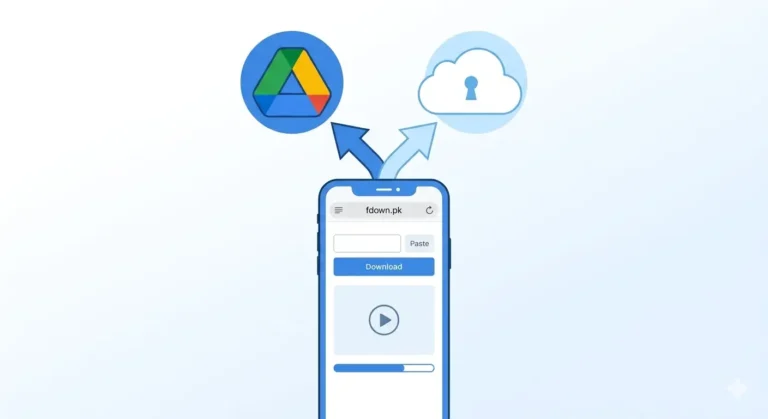
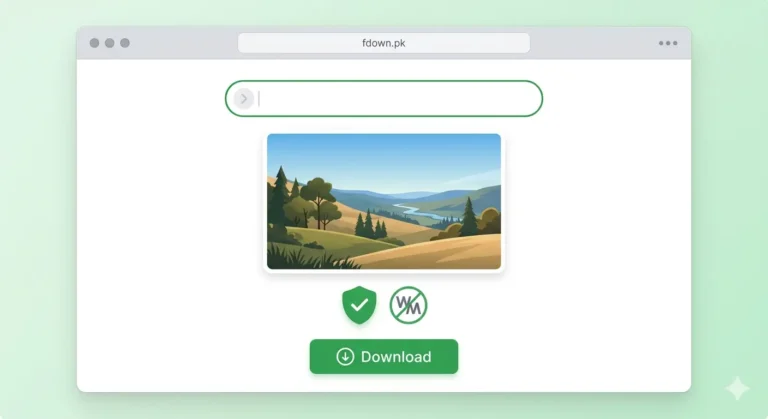
Now open your phone’s browser (Chrome, Firefox, or any browser you use) and go to: fdown.pk. You’ll see a simple page with a text box in the middle. This is where you’ll paste the video link.
Step 4: Paste the Link and Hit Download
-
Tap on the text box on fdown.pk.
-
Long press and tap “Paste” to paste the Facebook video link.
-
Tap the Download button.
-
Wait a few seconds the site will process the video.
-
You’ll see download options appear usually HD and SD.
Step 5: Choose Quality and Save to Gallery
Tap on HD Download if you want the best quality, or SD if you want a smaller file size.
The video will start downloading. Once done, it will be saved in your phone’s Downloads folder or directly in your Gallery, depending on your Android version and browser settings.
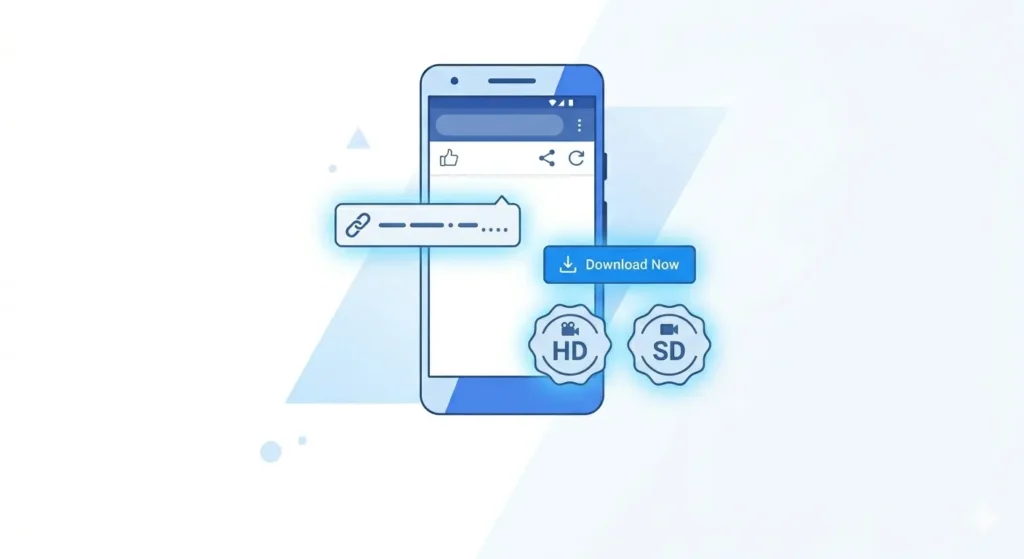
HD vs SD Which Quality Should You Download?
A lot of people ask this question. Here’s a simple breakdown:
| Quality | Best For | Pros/Cons |
| HD Quality | Large screens, clear viewing | Sharp image, larger file size |
| SD Quality | WhatsApp sharing, low storage | Saves space, lower resolution |
For most people, HD is the better choice unless your phone storage is almost full.
Does This Work for Facebook Reels Too?
Yes absolutely. fdown.pk works for all types of Facebook videos including:
-
Regular video posts
-
Facebook Reels
-
Videos shared in groups or pages
-
Facebook Stories (public ones)
-
Live videos (after the stream has ended)
Common Problems and How to Fix Them
Sometimes things don’t go as smoothly as expected. Here are the most common issues:
1. “Video not found” Error
This usually happens when you copy the wrong link. Make sure you’re copying the link from the three dots menu on the video post not from the browser address bar.
2. Video Downloads as Audio Only
This sometimes happens with videos that have copyright music. Try downloading the SD version instead it usually works fine.
3. Video Not Saving to Gallery
If the video downloads but doesn’t appear in your gallery, open your Files app, go to the Downloads folder, and move the video to your gallery manually.
Is It Safe to Download Facebook Videos This Way?
fdown.pk does not store your videos on its servers. It simply processes the link and gives you access to the file directly from Facebook’s servers. Your personal data is not collected, and no login is required.
Note: Just remember, downloading someone’s private or copyrighted video and distributing it without permission is not ethical.
Frequently Asked Questions (FAQ)
Can I download Facebook videos for free on Android?
Yes, completely free. fdown.pk has no charges, no subscriptions, and no hidden fees.
Do I need to install an app?
No. fdown.pk is a browser-based tool. You don’t need to install anything on your Android phone.
Can I download private Facebook videos?
You can only download videos that are visible to you. If a video is set to “Only Me” by the owner, it generally cannot be downloaded via public tools.
Final Thoughts
Downloading Facebook videos on Android is simple once you know the right tool. By using fdown.pk, you avoid risky apps and complicated setups.
Next time you spot a video worth saving, just copy the link, paste it, and you’re good to go!