How to Download Facebook Live Videos After the Stream Ends
Facebook Live videos are some of the most valuable content on the platform. A live concert, an important announcement, a family event, a business webinar, or a breaking news moment these are things people genuinely want to save and watch again.
The problem is that Facebook Live videos can disappear or become hard to find over time. The streamer might delete it, your feed might bury it, or you simply want to watch it offline without depending on Facebook’s app.
The good news? Once a Facebook Live stream ends, it stays on Facebook as a regular video replay. This means you can download it just like any other Facebook video. In this guide, I will show you exactly how to download Facebook Live videos after the stream ends, on any device, completely free.
What Happens to a Facebook Live Video After the Stream Ends?
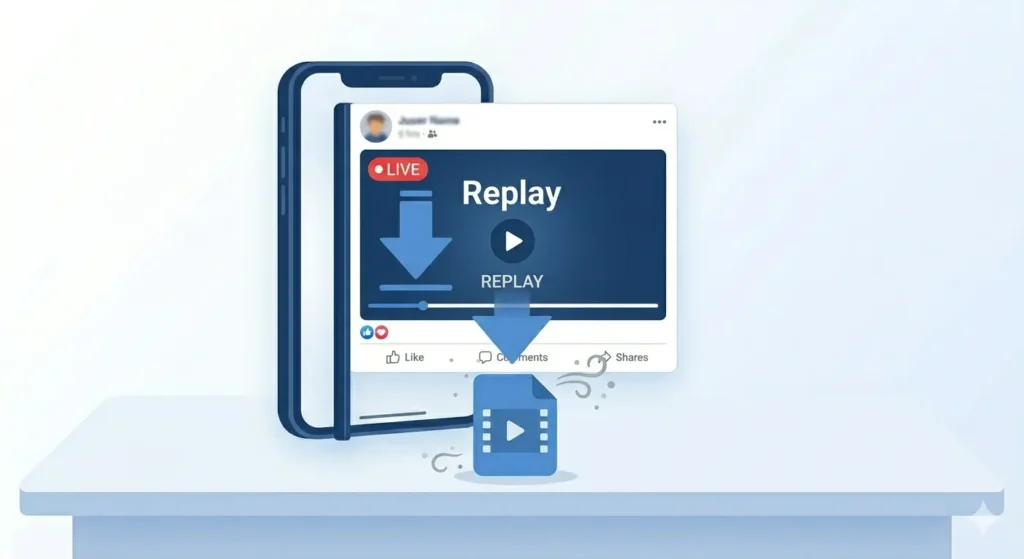
When a streamer ends their live broadcast, Facebook automatically saves it as a video replay on their profile, page, or group.
This replay video behaves exactly like a regular Facebook video post. It has its own link, it can be liked and commented on, and most importantly it can be downloaded using the same method as any other video.
However, there are a few exceptions:
-
The streamer may choose to delete the replay immediately.
-
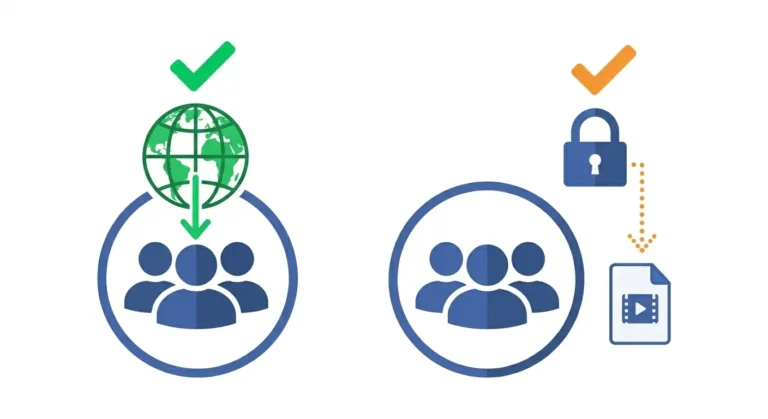
The streamer may set the replay to Private or Friends Only.
-
Videos from specific Facebook Events may have different privacy rules.
As long as the replay is still visible to you, it can be downloaded.
How to Find a Facebook Live Replay
Before downloading, you need to locate the replay. Here is how to find it across different sections:
Finding it on a Personal Profile
-
Go to the person’s Facebook profile.
-
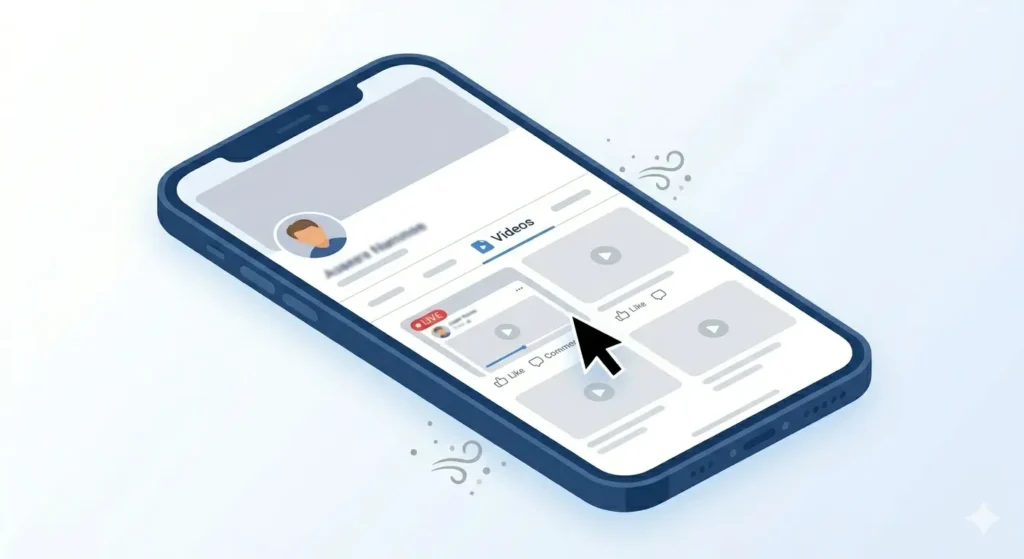
Click or tap on their Videos tab.
-
Look for the video with a red LIVE badge or the word Replay on it.
-
Tap to open it.
Finding it on a Facebook Page
-
Go to the specific Facebook Page.
-
Click on the Videos section in the left sidebar or page tabs.
-
Filter by Live Videos if the option is available.
-
Find and open the live replay you want.
Finding it in Your News Feed
If you watched the live stream while it was happening, Facebook often shows the replay in your news feed shortly after it ends. You can also use Facebook’s search bar to find it by the streamer’s name.
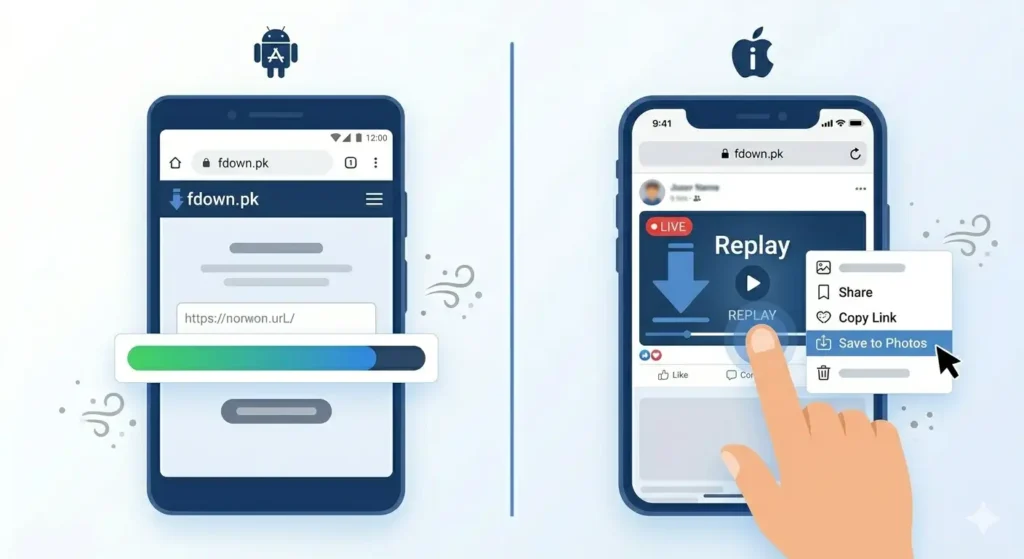
How to Download a Facebook Live Video on Android
Once you have found the live replay, follow these steps on your Android device:
-
Copy the Link: Open the replay video, tap the three dots (…) menu on the top right, and select Copy Link.
-
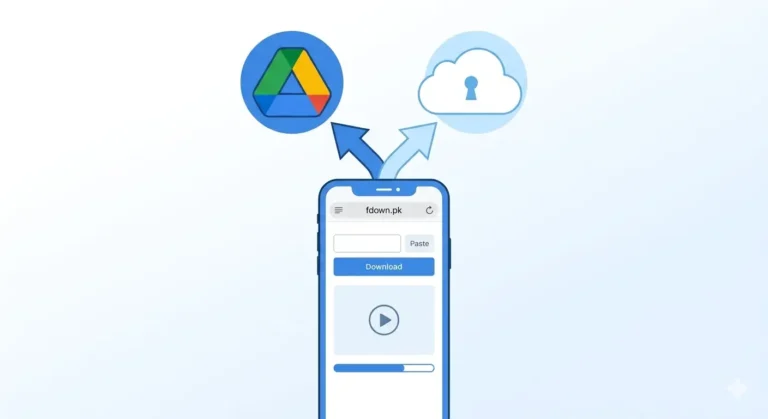
Go to fdown.pk: Open Chrome and navigate to fdown.pk.
-
Paste and Download: Long press the input box, tap Paste, and hit the Download button.
-
Save: Tap HD Download to save the high-quality version to your gallery.
How to Download a Facebook Live Video on iPhone
The process on iPhone is very similar, but Safari is recommended for the best experience:
-
Copy the Link: Open the replay and copy the link from the three dots menu.
-
Open Safari: Go to fdown.pk using the Safari browser.
-
Paste and Download: Paste the link and tap Download.
-
Save to Photos: When the video opens in a new tab, long press on the video and select Save to Photos.
How to Download a Facebook Live Video on PC
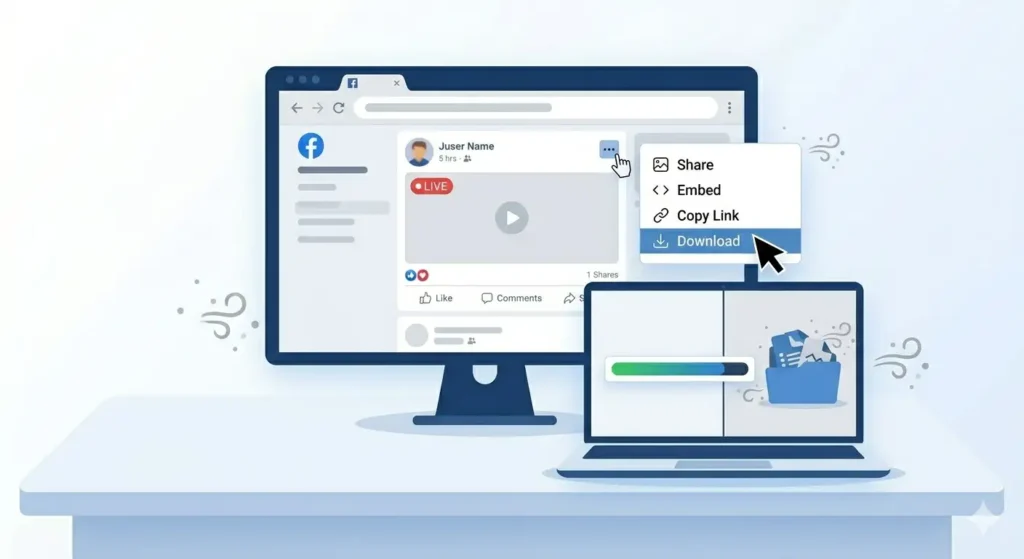
Downloading on a computer is the fastest method:
-
Find the Replay: Open the video fully on your desktop browser.
-
Copy the Link: Click the three dots (…) menu and select Copy Link.
-
Use fdown.pk: Go to the site, press Ctrl+V to paste, and click Download.
-
Save Video As: If the video opens in a new tab, right-click it and choose “Save Video As…”
Can You Download Your Own Facebook Live Video?
Yes! Facebook provides a direct download option for your own content.
-
On Desktop: Go to your profile, find your live replay, click the three dots (…), and select Download Video.
-
Using fdown.pk: You can also use the link-copy method if you want a faster, external download to a different device.
Common Problems When Downloading Live Videos
-
Video Deleted: If the streamer deletes the replay, it cannot be recovered. Download it as soon as the stream ends!
-
Large File Sizes: Live streams are often long. Use a stable WiFi connection and ensure you have enough storage space.
-
Copyright Issues: If there was copyrighted music in the stream, the video might be muted or restricted. Try the SD version if HD fails.
-
Broken Links: Always copy the link from the three dots menu on the post itself, rather than from a shared notification.
Frequently Asked Questions
Can I download a video while it is still actively LIVE?
No. You must wait for the broadcast to finish. Once it is saved as a replay, you can use fdown.pk.
Does the streamer know I downloaded the video?
No. Facebook does not notify users when their videos are downloaded using third-party tools.
Is it free to use fdown.pk?
Yes, it is completely free with no registration or hidden fees.
Final Thoughts
Facebook Live replays are incredibly valuable. Whether it’s a tutorial, a concert, or a family moment, don’t risk losing it. As long as the replay is up, you can save it to your device in minutes.
Head over to fdown.pk right now and save that live video before it is gone forever!