How to Download Private Facebook Videos What Actually Works
“Private Facebook video download” is one of the most searched topics on the internet. Honestly, most articles you find give you either false promises or outdated methods that no longer work.
In this guide, I will give you a completely honest answer. I’ll tell you exactly what works, what doesn’t, what is safe, and what could actually get you into trouble. No clickbait, no false promises just real, useful information.
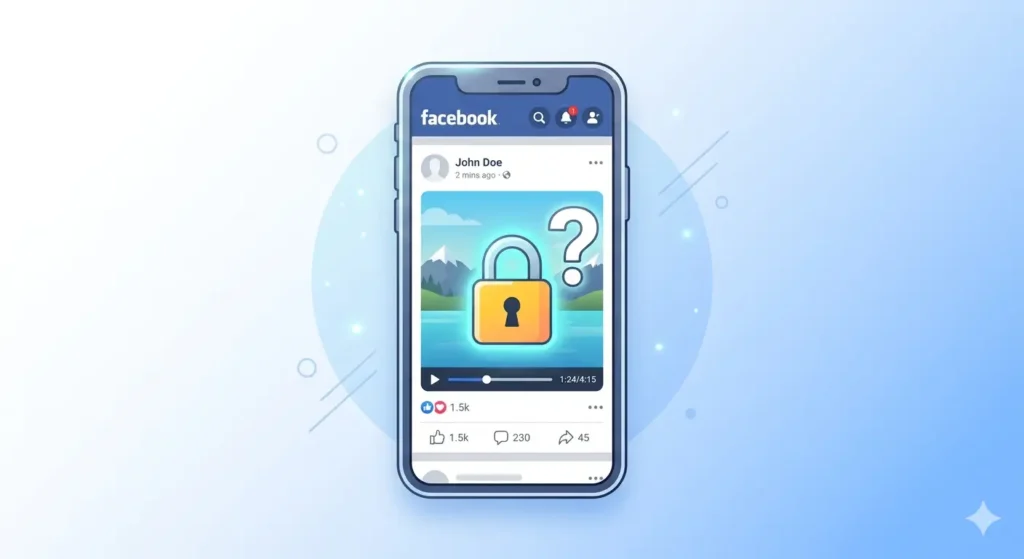
What Does “Private” Mean on Facebook?
On Facebook, video privacy is set by the uploader. There are several levels:
-
Public: Anyone on or off Facebook can see it.
-
Friends: Only the uploader’s Facebook friends can see it.
-
Only Me: Only the uploader themselves can see it.
-
Custom: Specific people are manually included or excluded.
When most people say “private Facebook video,” they usually mean a video set to Friends Only that they can see because they are friends with the uploader.
Situation 1: Videos Set to “Friends Only”
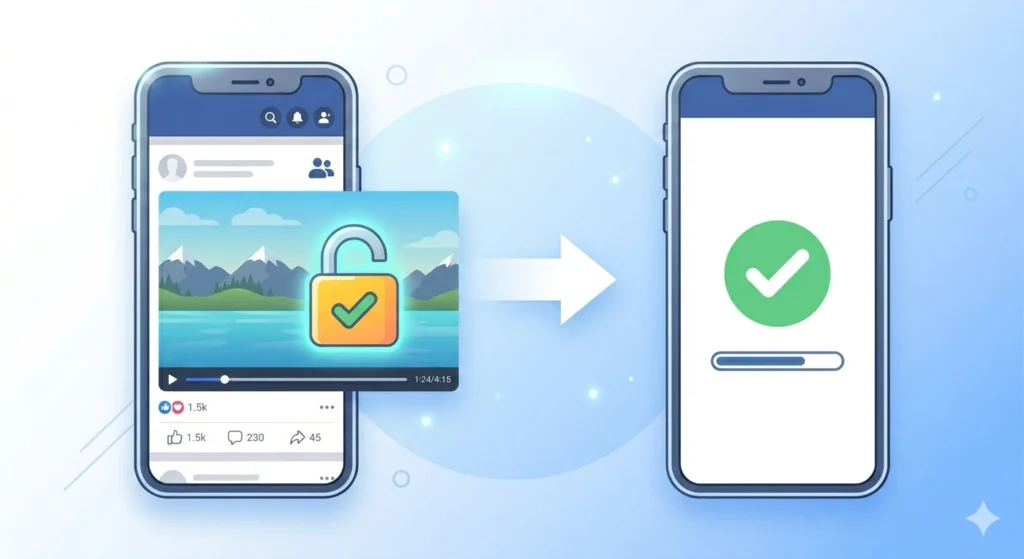
If a friend posted a video and set it to “Friends Only,” and you can see it in your newsfeed while logged in, downloading it is absolutely possible.
Since you have legitimate access to this video through your account, you can use fdown.pk to save it.
How to Download a Friends-Only Video:
-
Log into Facebook on your device.
-
Find the video and tap/click the three dots (…) menu.
-
Select “Copy Link.”
-
Open your browser and go to fdown.pk.
-
Paste the link and tap Download.
-
Choose HD or SD to save the video.
Note: This works because the copied link carries your temporary session info, allowing the downloader to “see” what you see.
Situation 2: Videos Set to “Only Me” (The Hard Truth)
If a video is set to Only Me, or if you are not friends with the uploader, you cannot see it.
The Simple Truth: There is no tool, app, or “hack” that can download a video you cannot see on Facebook.
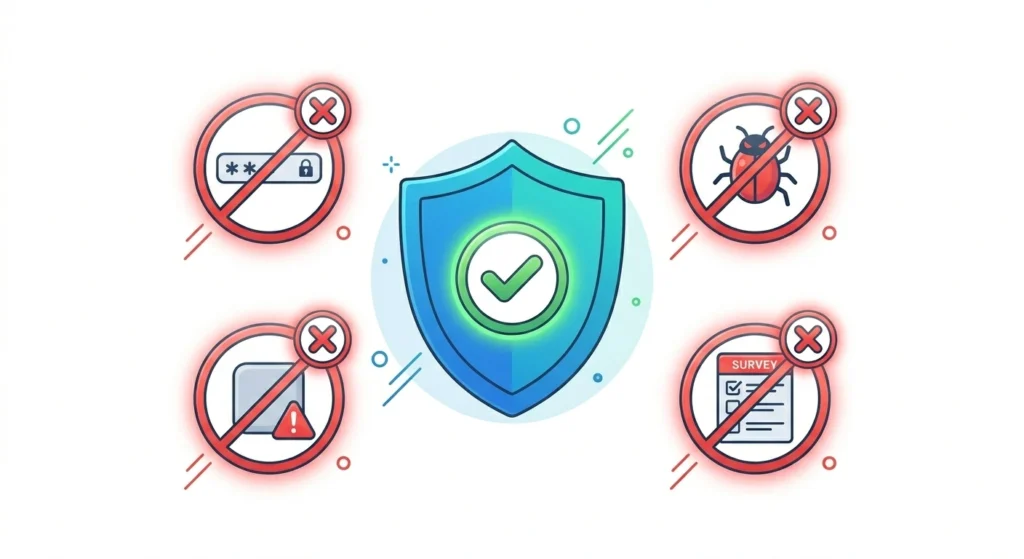
Any website claiming otherwise is likely a scam attempting to:
-
Steal your Facebook login credentials.
-
Install malware on your device.
-
Wade you through endless “human verification” surveys.
The Golden Rule for Private Videos
This one rule will save you from scams forever:
-
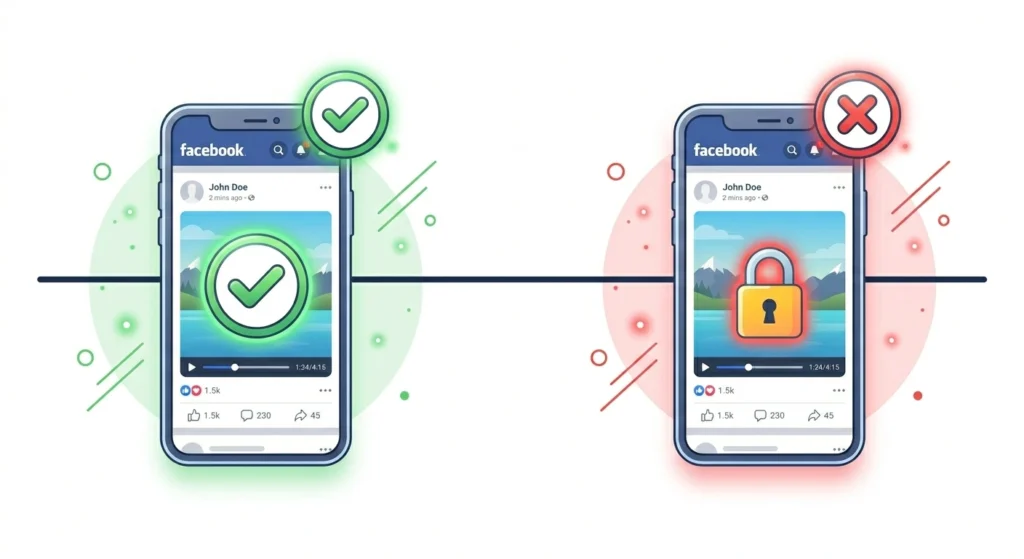
If you can see the video on Facebook while logged in You can download it.
-
If you cannot see the video on Facebook No tool can download it for you.
Is It Safe to Download Private Videos?
Safety depends entirely on your method.
-
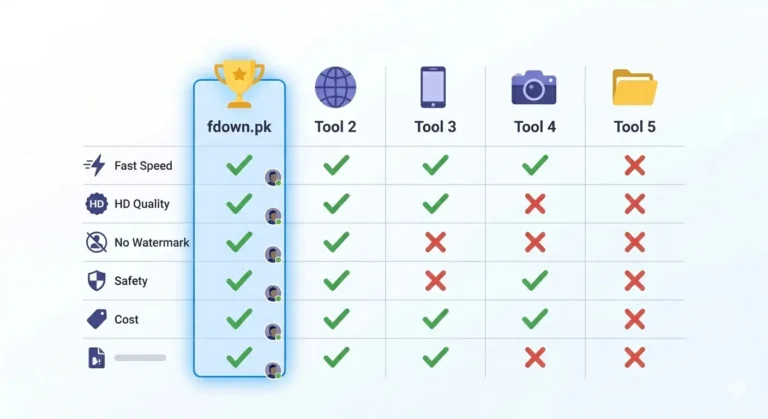
Safe (fdown.pk): It does not ask for your password, does not store your videos, and only processes what you already have access to.
-
Unsafe (Avoid!): Any site asking for your Facebook username and password, browser extensions that claim to “crack” privacy, or unknown APK files. These are designed to compromise your account.
Frequently Asked Questions
Can I download a video set to “Friends Only”?
Yes, provided you are a friend of the uploader. Just copy the link while logged in and use fdown.pk.
Can I download my own private videos?
Yes! You can use fdown.pk or use Facebook’s built-in “Download” option found in the three-dot menu on a desktop browser.
Why do some sites say they can download any private video?
These are false claims intended to attract clicks. In reality, they either don’t work or are malicious. Always prioritize your account’s security.
Final Thoughts
The truth about private Facebook videos is simple: respect the privacy settings. If you can see the video, fdown.pk is the fastest, safest way to save it. If you can’t see it, the best way to get it is to simply ask the uploader to send it to you.
Stay safe, protect your login info, and stick to reliable tools!