How to Download Facebook Group Videos on Android and iPhone
Facebook Groups are home to some of the most valuable video content on the entire platform. Cooking tutorials in food groups, workout videos in fitness communities, business advice in entrepreneur groups, religious lectures in faith communities the list goes on.
And when you find a video in a group that you genuinely want to keep, the frustration is real. Facebook gives you no built-in download button for group videos. You can save the post inside Facebook, but the moment you go offline or the post gets deleted, that video is gone.
The good news is that downloading Facebook Group videos is just as simple as downloading any other Facebook video if you know the right method.
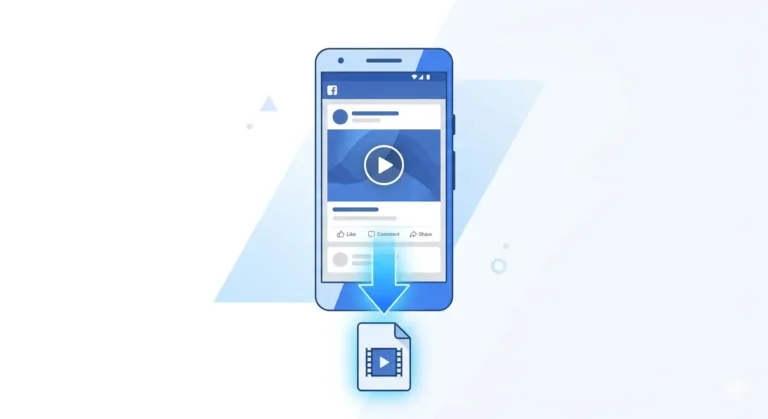
In this guide, I will show you exactly how to download videos from any Facebook Group on Android and iPhone, completely free, without installing any app.
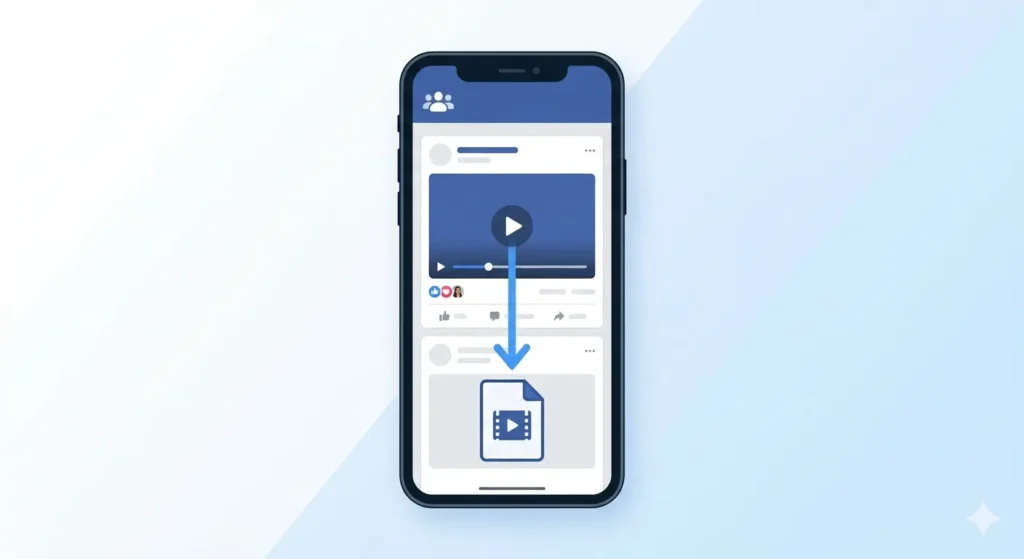
Can You Download Videos from Facebook Groups?
Yes but with one important condition.
You can download a Facebook Group video if you can see it on Facebook. This means:
-
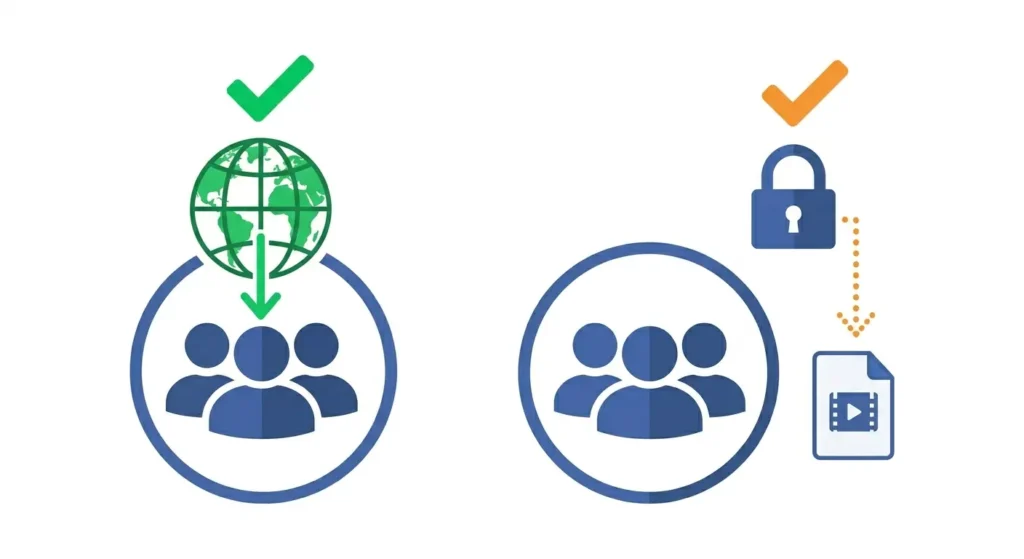
You CAN download: Videos from public Facebook Groups that anyone can view.
-
You CAN download: Videos from private Groups you are a member of as long as you are logged into Facebook when you copy the link.
-
You CAN download: Videos posted by any member of a group you belong to.
-
You CANNOT download: Videos from private Groups you are not a member of.
-
You CANNOT download: Videos that have been deleted or hidden by privacy settings you don’t have access to.
The golden rule: If you can watch it in the group, you can download it.
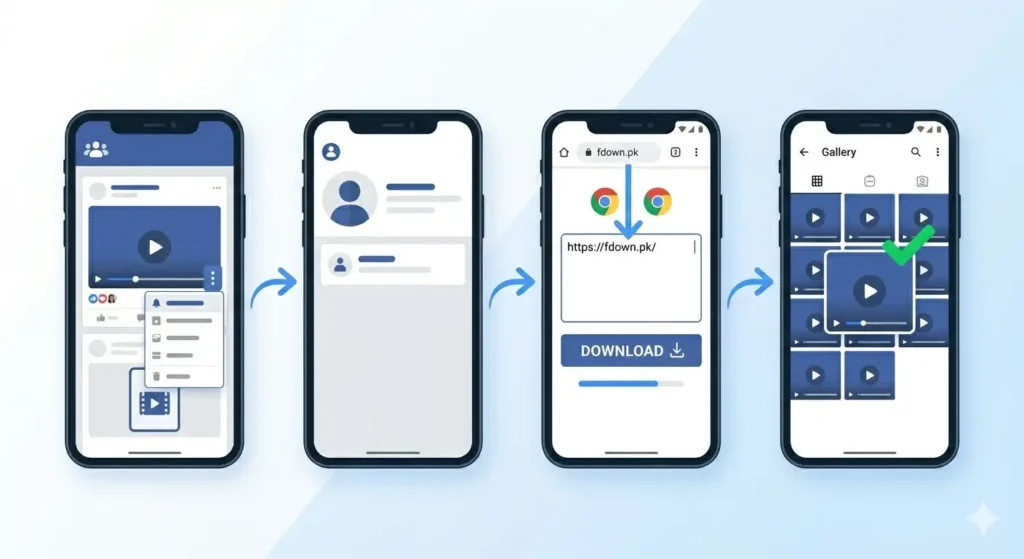
How to Download Facebook Group Videos on Android
Follow these steps carefully on your Android phone:
Step 1: Open the Facebook Group and Find the Video
Open your Facebook app on Android and navigate to the Group where the video is posted. You can find groups by tapping Groups in the navigation bar or searching the group name. Once found, tap the video to open it fully.
Step 2: Log Into Facebook First (Very Important)
This step is crucial. If you are downloading from a private Facebook Group, you must be logged into your account before copying the link. Your login session carries the “authorization” that allows the downloader to access the video on your behalf.
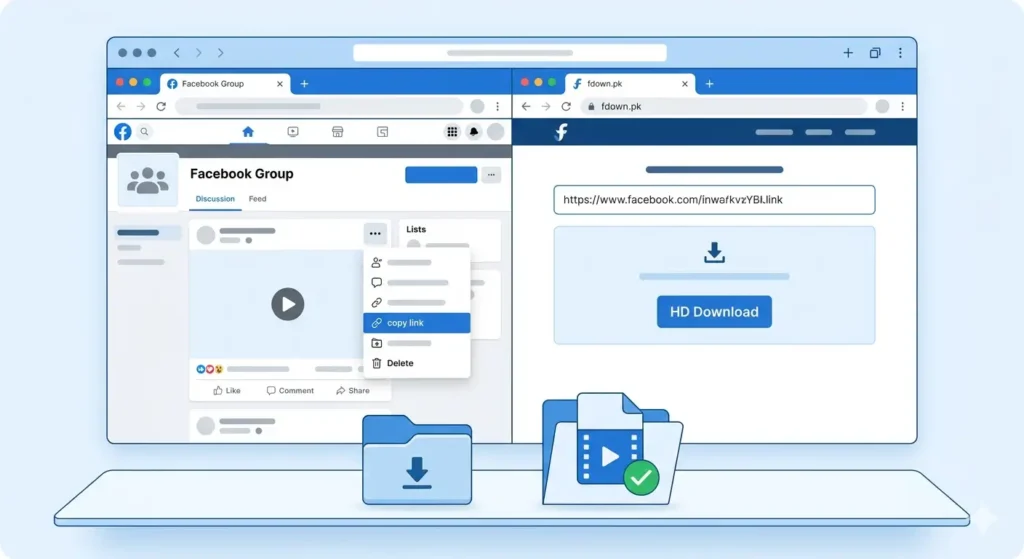
Step 3: Copy the Group Video Link
-
Tap the three dots (…) icon on the top right of the video post.
-
A menu will appear; tap Copy Link.
-
The link is now saved to your clipboard.
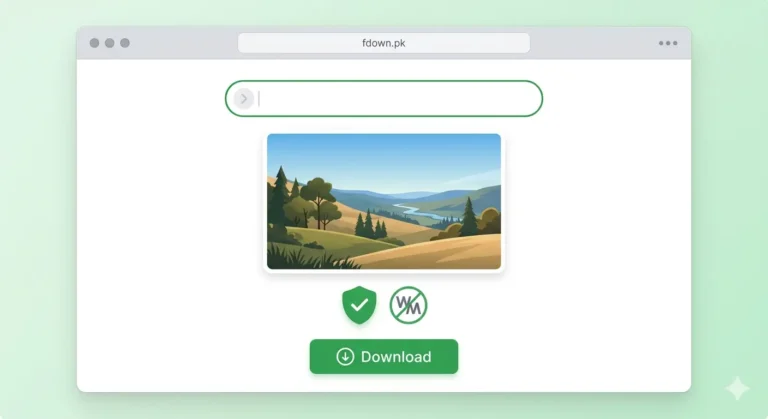
Step 4: Open Chrome and Go to fdown.pk
Open Chrome and type fdown.pk in the address bar. Stay logged into Facebook in the background during this process.
Step 5: Paste the Link and Download
-
Tap inside the input box on fdown.pk.
-
Long press and tap Paste.
-
Tap the blue Download button.
-
Wait 5 to 15 seconds for processing, then select HD Download.
The video will be saved to your phone’s Downloads folder and appear in your Gallery.
How to Download Facebook Group Videos on iPhone
The process on iPhone is very similar, with a slight difference in how iOS saves files:
Step 1: Find and Copy the Link
Open the Facebook app, find your group video, tap the three dots (…), and select Copy Link. Ensure you are logged into your account.
Step 2: Open Safari and Go to fdown.pk
On iPhone, always use Safari for the best experience. Go to fdown.pk and paste your link into the box, then tap Download.
Step 3: Save to Camera Roll
-
Choose HD Download.
-
The video will open in a new Safari tab.
-
Long press on the video while it plays.
-
Tap Save to Photos.
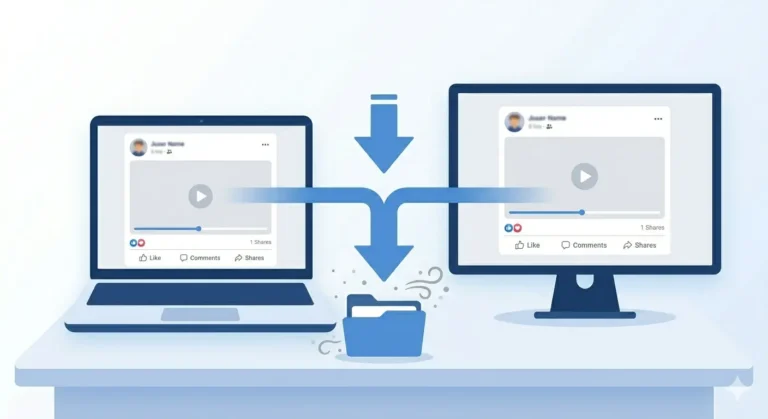
How to Download Facebook Group Videos on PC
-
Find the Video: Go to facebook.com and navigate to your group.
-
Copy Link: Click the three dots (…) on the post and click Copy Link, or simply copy the URL from the browser address bar while the video is open.
-
Download: Open fdown.pk, paste the link (Ctrl+V), and click Download.
-
Save: If the video opens in a new tab instead of downloading, right-click it and select “Save Video As…”
Special Cases Different Types of Group Videos
-
Public Groups: The easiest to download. No login or membership required.
-
Private Groups: You must be a member and logged in for the link to work.
-
Secret Groups: These are highly restricted. If fdown.pk cannot process the link, the privacy settings are likely blocking external access.
-
Live Videos: Replays of Facebook Lives in groups can be downloaded exactly like regular videos.
Common Problems & Fixes
-
Video Not Found Error: This happens if you aren’t logged in or the link is broken. Fix: Log in, refresh the group, and copy the link again.
-
No “Copy Link” Option: Sometimes the menu changes. Fix: Tap Share then look for “Copy Link,” or try the desktop method.
-
Poor Quality: The tool provides the best version available. If the HD version looks blurry, the original was likely uploaded in low resolution.
Frequently Asked Questions
Will the group admin know I downloaded their video?
No. Facebook does not notify admins or posters when you use an external tool like fdown.pk.
Can I download videos from private Groups?
Yes, provided you are a member of that group and logged into your Facebook account when you grab the link.
Is it free?
Yes. fdown.pk is a free service with no registration or subscription required.
Final Thoughts
Downloading Facebook Group videos is easy once you understand the “membership rule.” As long as you have access to the group, you can save any tutorial, lecture, or workout video to your device forever.
Head to fdown.pk and save your favorite group content today!