Top 10 Reasons to Download Facebook Videos and Save Them Offline
Every single day, millions of people around the world download Facebook videos to their phones and computers. Have you ever wondered why?
Facebook already lets you watch any video on the platform. You can save posts inside the app. You can rewatch videos anytime you want as long as you have internet and as long as the video still exists.
But that is exactly the problem. “As long as you have internet.” “As long as the video still exists.”
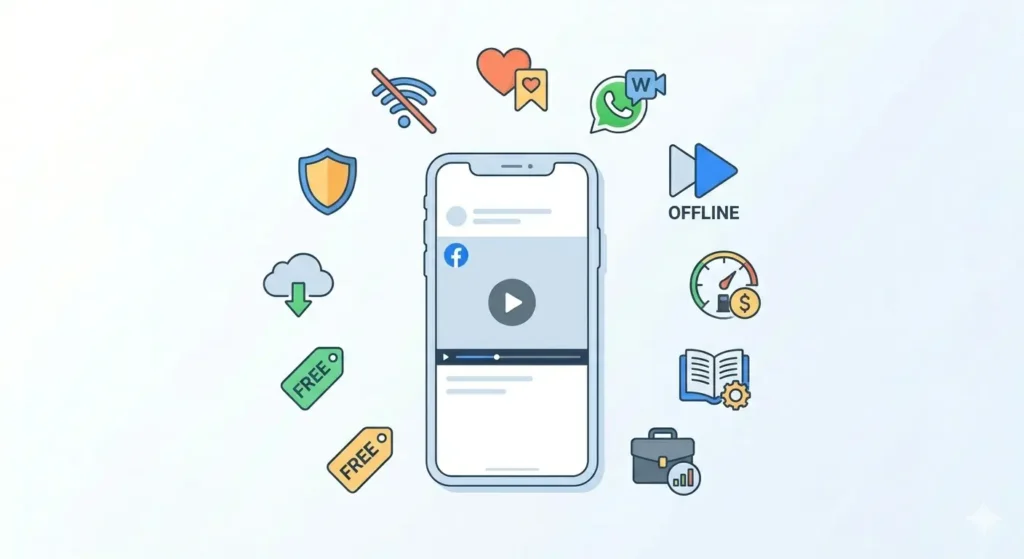
The truth is that downloading Facebook videos offline is not just convenient for many people, it is genuinely necessary. Once you understand why, you will probably start saving videos yourself. Here are the top 10 real reasons why people download Facebook videos and save them offline.
1. Videos Get Deleted Without Warning
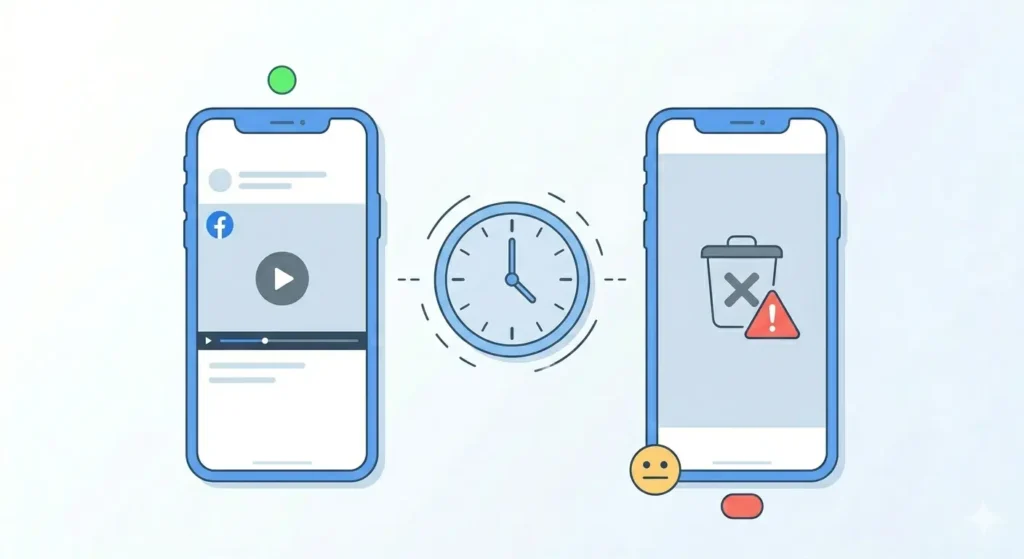
This is the number one reason people download Facebook videos. Someone posts a video you love; you enjoy it and think you’ll watch it again later. Then, one day, it is simply gone.
Facebook videos disappear for many reasons:
-
The uploader deleted their account.
-
The video was removed for violating community standards.
-
The page that posted it was taken down.
-
The owner simply decided to delete the post.
-
Copyright claims forced the video offline.
Once a video is deleted, it is gone forever. If you downloaded it, you still own the copy.
2. Watch Without an Internet Connection
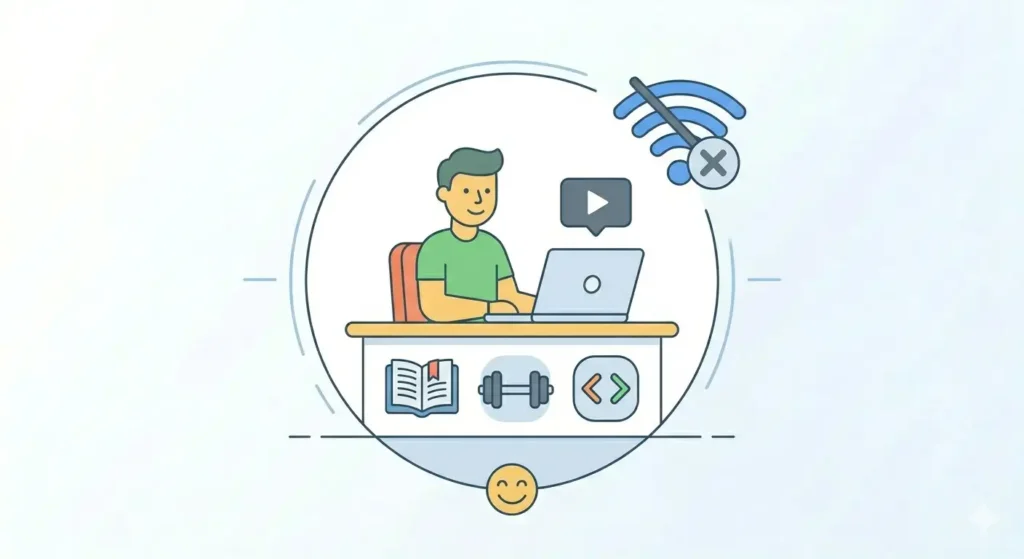
Not everyone has reliable internet access all the time. Whether you are traveling on a plane, commuting through tunnels, or staying in a remote area with poor signal, data isn’t always a guarantee.
When you download a Facebook video offline, you can watch it anytime without buffering. This is perfect for long tutorials, entertainment for flights, or workout videos in a gym with weak Wi-Fi.
3. Save Precious Memories Before They Are Lost
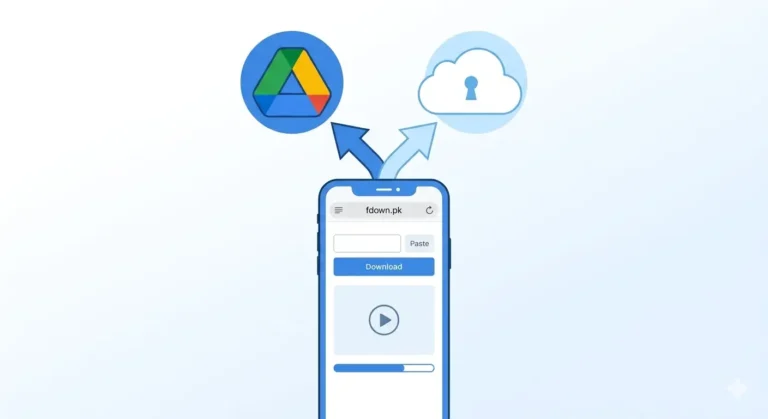
Facebook is where life happens: weddings, baby milestones, and family reunions. But people deactivate accounts and move on. A video of your child’s first steps shared by a relative is an irreplaceable memory. Downloading and backing these up to personal storage ensures you have them for decades to come.
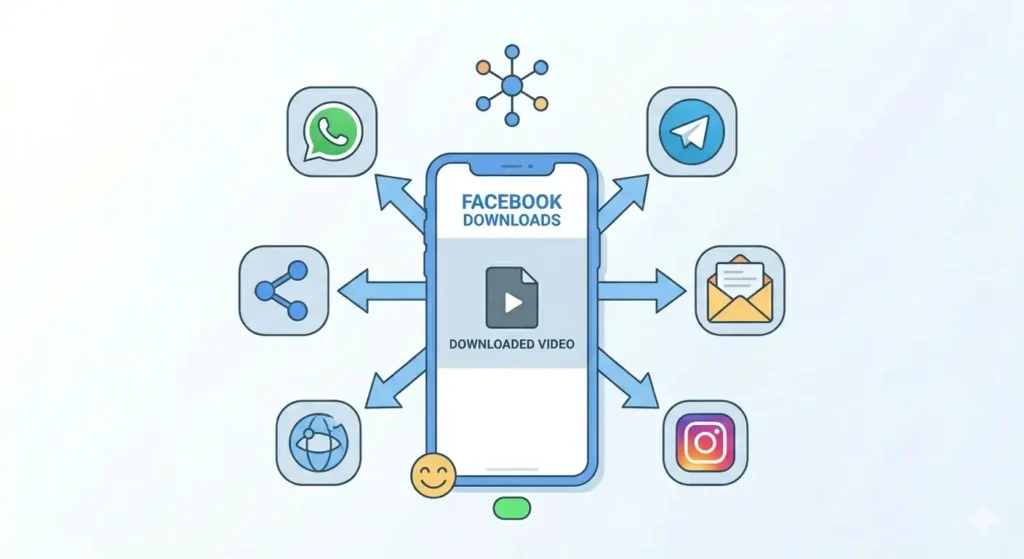
4. Share Directly on WhatsApp and Telegram
Facebook and WhatsApp are both owned by Meta, but you cannot directly send a Facebook video to a WhatsApp chat so that it plays “inline” without a link.
Downloading the video solves this. Once saved to your gallery, you can send it to any group or contact as a regular video file. No links, no redirects just the video playing directly in the chat.
5. Source Material for Content Creators
For marketers and creators, Facebook is a goldmine of reference material. Downloading allows you to:
-
Study viral video structures.
-
Save examples of effective editing.
-
Build a personal library of reference clips.
-
Compile research for articles or presentations.
6. Avoid Wasting Mobile Data
Streaming video uses a massive amount of data. Every time you re-watch a video, it downloads fresh from Facebook’s servers. If you watch a 5-minute HD video ten times on mobile data, you’ve burned through roughly 400 MB. Downloading it once on Wi-Fi saves that data for the rest of the month.
7. Educational and Tutorial Content
Facebook is full of cooking tutorials, DIY repair guides, and fitness instructions. The problem is that you often need these videos in places where Wi-Fi is weak (like a garage or kitchen). Downloading educational content lets you pause, rewind, and follow along in real-time without interruptions or notifications.
8. Slow or Unreliable Internet
If your connection is slow, videos buffer constantly. This is a major frustration for people in rural areas or students in shared housing with limited bandwidth. A downloaded video always plays smoothly no loading, no interruptions, no lag.
9. Keep Business and Professional Resources
Webinars, product demos, and industry talks are frequently posted on Facebook. However, company pages often get rebranded or shut down. Saving these professional resources offline ensures your team always has access to training materials regardless of what happens to the original link.
10. It Is Free and Takes Less Than a Minute
The barrier to saving a video is incredibly low. Using fdown.pk, the process takes less than 60 seconds. There is no cost, no app to install, and no account to create.
How to Start Downloading Facebook Videos Right Now
Ready to save your first video? Here is how to do it in under a minute:
-
Find the Facebook video and tap the three dots (…) menu.
-
Tap Copy Link.
-
Go to fdown.pk in your browser.
-
Paste the link and tap Download.
-
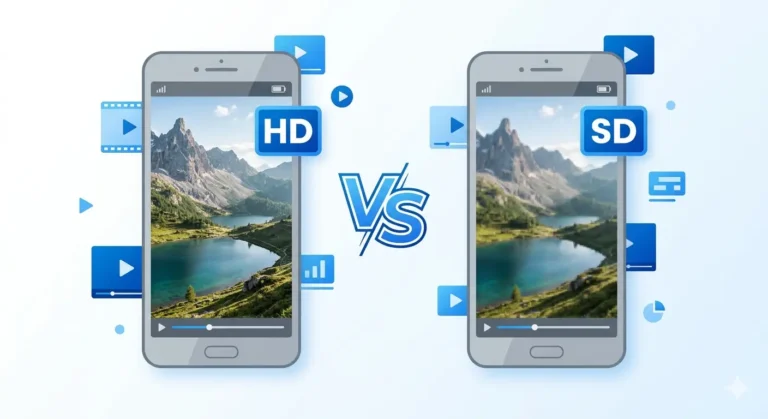
Choose HD Download to save the highest quality.
Frequently Asked Questions
Will Facebook know if I download a video?
No. Facebook does not notify the uploader when you use an external tool like fdown.pk.
How much storage do these videos take?
A typical 3-minute HD video takes about 40–80 MB. Most modern phones can hold hundreds of these easily.
Can I download “Friends Only” videos?
Yes. If you have permission to view the video on Facebook, you can generally download it for your personal offline use.
Final Thoughts
Facebook videos are temporary. Whether it’s a precious family memory or a professional webinar, the only way to ensure you have it forever is to save it yourself.
Don’t wait until the video is gone. Head to fdown.pk right now and save your favorite content today free, fast, and in HD quality.